🌿Carbon Offset Calculator
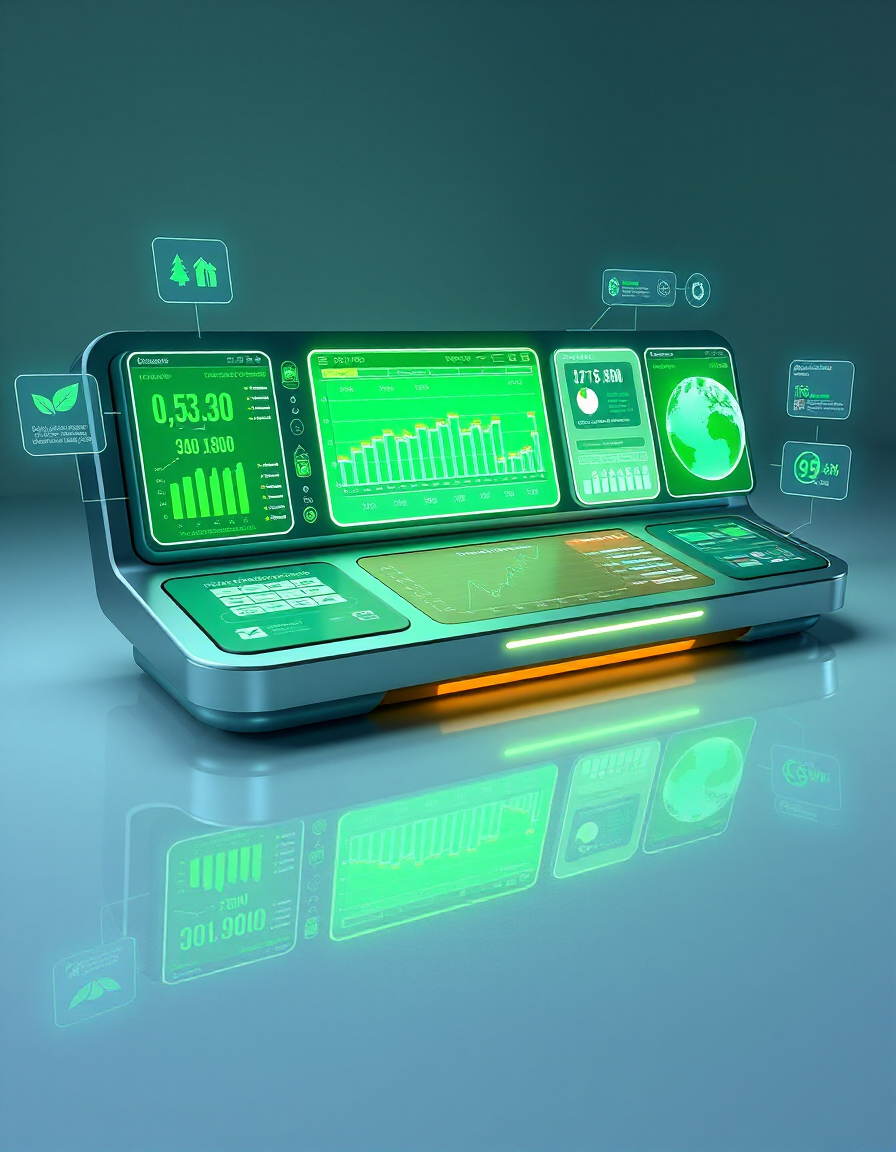
Understanding your carbon footprint is one of the most important steps toward reducing environmental impact. The Carbon Analytics Dashboard helps you calculate, track, and compare CO₂ emissions from daily driving habits in a simple and visual way.
This interactive tool allows you to estimate yearly vehicle emissions based on distance traveled, fuel consumption, or electric energy usage. It automatically converts your driving data into CO₂ output (kg/year) and calculates how many trees would be required to offset it.
With built-in history tracking, comparison tools, and ranking insights, you can analyze different trips, vehicles, or scenarios side-by-side. The dashboard highlights your most and least efficient choices, helping you make more sustainable decisions over time.
How to Use
- Enter your daily driving distance in Kilometres per day.
- Set how many days per year you typically drive.
- Select your vehicle type (combustion or electric).
- If using a combustion vehicle, enter fuel consumption (L/100km) and fuel type.
- If using an electric vehicle, enter energy consumption (kWh/100km) and grid emission factor.
- Click Calculate to generate yearly CO₂ emissions and tree offset estimate.
- Use the history panel to save, compare, and analyze past calculations.
Tips / Guide
- Use real driving data for the most accurate carbon footprint estimation.
- Compare different vehicle types to understand long-term environmental impact.
- Focus on CO₂ per kilometer to evaluate efficiency, not just total emissions.
- Use Compare All to quickly analyze multiple scenarios at once.
- Check Focus Mode to isolate only the most relevant comparisons.
- Lower fuel consumption or electricity usage directly reduces your carbon footprint.
Why It Matters
Transportation is one of the largest contributors to global CO₂ emissions. Understanding your personal footprint helps you make more informed decisions about travel, vehicle choice, and daily habits. By visualizing emissions and tree offsets, this tool turns abstract environmental data into clear, actionable insights that support more sustainable living.
Who Should Use This Tool
- Drivers who want to understand and reduce their carbon footprint.
- Electric vehicle owners comparing efficiency and grid impact.
- Commuters evaluating travel habits and cost vs emissions.
- Environmental researchers and sustainability analysts.
- Anyone interested in tracking and improving their climate impact over time.
Estimate how many trees you'd need to plant to offset your car's yearly CO₂ emissions.
Calculation History
Compare Items
🌱 CO₂ Emissions & Tree Offset Calculator
| Vehicle Type | Daily km | Annual CO₂ (kg) | Trees Needed |
|---|---|---|---|
| Combustion Car | 0 | 0 | |
| Electric Car (Grid Avg) | 0 | 0 | |
| E-Bike | 0 | 0 | |
| E-Scooter | 0 | 0 |
FAQs & Tips
-
The tool calculates your estimated CO₂ emissions based on distance, vehicle type, and fuel or energy consumption. It also estimates tree offset equivalents to help visualize environmental impact.
-
Combustion mode uses fuel consumption (L/100km) and fuel type, while electric mode uses energy consumption (kWh/100km) and grid emission factors instead of fuel-based calculations.
-
CO₂ per kilometer shows efficiency regardless of distance. It allows you to compare different vehicles and driving patterns on a fair, normalized scale.
-
The Compare feature lets you select multiple history entries and analyze them side by side in charts and rankings to identify the best and worst environmental performance.
-
Compare All selects all saved history entries at once so you can instantly analyze your full dataset without manually selecting each item.
-
Focus Mode filters the view to highlight only the most relevant or selected data, reducing visual noise and making comparisons easier and clearer.
-
Your history is stored locally in your browser unless connected to a backend. Clearing browser data may remove saved entries.
-
Yes, the Carbon Analytics Dashboard is designed as a free tool for learning, awareness, and sustainability tracking.
-
BLDC motors typically use 3 phase wires plus Hall sensors for basic commutation, while PMSM motors often include more advanced feedback systems for precise control and efficiency optimization.
-
Supply 5V power, verify ground continuity, and slowly rotate the motor while measuring signal changes with a multimeter or oscilloscope to confirm proper switching behavior.
-
Yes. Swapping any two phase wires will reverse motor direction without affecting performance or controller behavior.
-
Most throttles use a 0–5V signal line with ground and power (5V). Always verify with a multimeter before connecting to a controller.
-
Brake cutoff wires connect to a switch that instantly disables motor power when braking, improving safety and preventing accidental throttle input.
-
PAS sensors require proper power, ground, and signal alignment with the controller. Ensure the magnet disc is aligned and rotating freely for accurate detection.
-
Extra wires may indicate temperature sensors, encoders, or proprietary features. Always refer to the manufacturer documentation before connecting them.
-
Yes. It helps identify wiring functions visually, making it easier to detect miswiring, disconnected phases, or faulty sensors during repair.
Advanced Troubleshooting Assistant
Similar Tools You May Like

🌿 Green Calculator
Calculate your overall environmental impact and sustainability score.

⚡ Electricity Impact Tool
Understand how your electricity source affects CO₂ emissions.

🔋 Energy Range Calculator
Estimate energy consumption and travel range for electric vehicles.
📉 Battery Efficiency Loss
Analyze how energy loss affects your battery performance and emissions.
🛴 E-Scooter Range Calculator
Calculate how far your scooter can go based on battery and riding conditions.

🚴 E-Bike Range Calculator
Estimate how far your e-bike can travel and optimize efficiency.

💰 Battery Cost Calculator
Understand the long-term cost of charging and battery usage.
📊 Impact Calculator
Measure the real-world environmental impact of your daily choices.
🔧 Similar Tools
This tool is part of the educational resources published on RideWattly. Results should be used as a reference only and not as professional engineering advice.