Pro Border Playground — Grid Layout
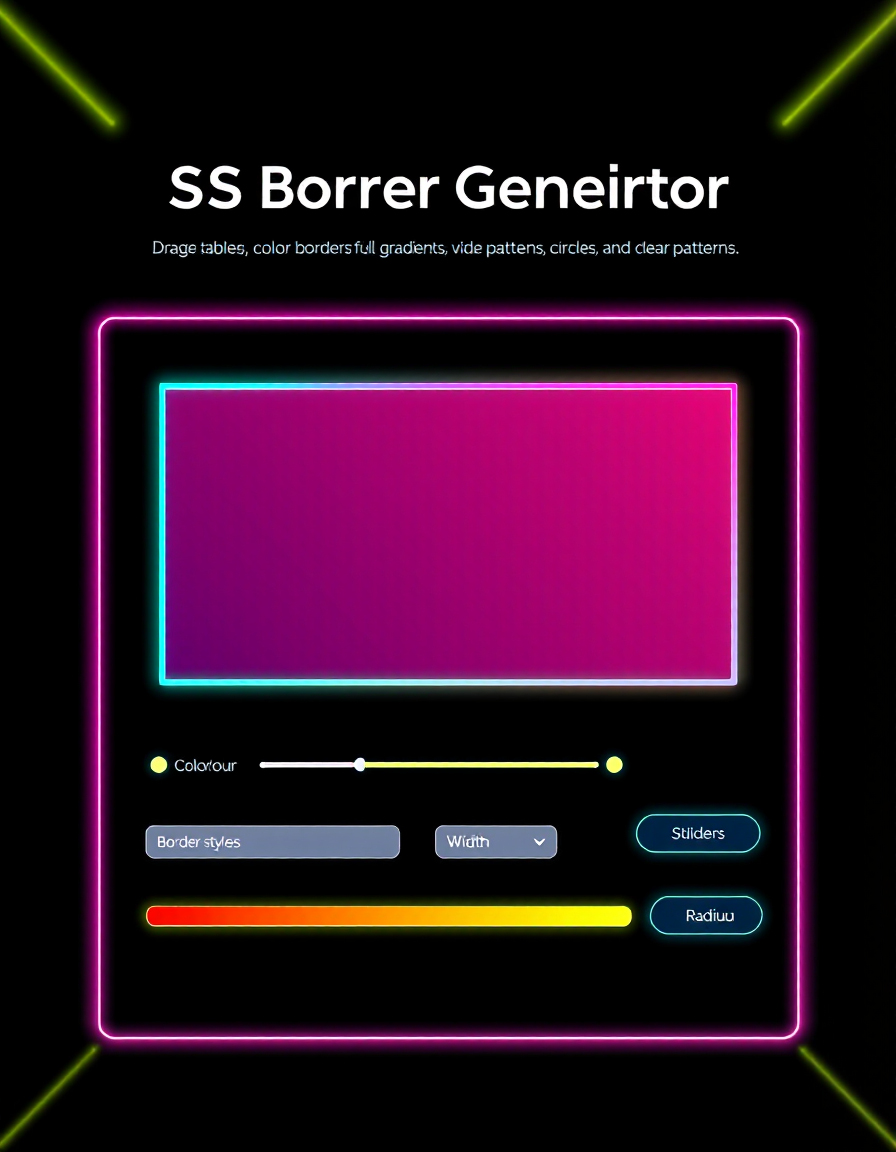
Designing modern UI components requires precise control over CSS borders, border-radius, and box shadows. The way borders, patterns, and gradients interact can dramatically affect the look and feel of buttons, cards, and containers across your web projects.
RideWattly’s Pro Border Playground lets designers and developers instantly experiment with border width, radius, style, and gradient backgrounds. Drag colors and patterns to each side, test different border styles, and visualize changes in real time — no coding required.
Whether you're fine-tuning a card component, creating a unique button, or experimenting with creative borders for your web app, this tool gives you instant feedback, generates CSS code, and ensures your designs are pixel-perfect and visually consistent.
/* CSS will appear here */
FAQs & Tips
-
Q: What is the Pro Border Playground?
A: It's an interactive tool for designing and visualizing CSS borders, border-radius, gradients, and box shadows in a grid layout. -
Q: Can I apply different border styles to each side?
A: Yes, use the individual dropdowns for Top, Right, Bottom, and Left to set different styles for each side. -
Q: How do I preview my border changes in real time?
A: All changes appear instantly in the preview box. Drag colors or patterns to any side to see live updates. -
Q: Can I copy the CSS code for my design?
A: Yes, click the “Copy CSS” button to copy the generated CSS code to your clipboard for use in your projects. -
Q: How do I toggle between Light and Dark mode?
A: Use the switch in the top header labeled “Light Mode / Dark Mode” to change the theme instantly. -
Q: Can I embed this tool on my website?
A: Yes, use the embed code provided in the “Embed This Tool” section. Copy and paste it into your site’s HTML.
Related Tools & Resources

🟦 Border Radius Playground
Experiment with border-radius values and see live visual results.

💨 Shadow Generator
Create CSS box shadows and text shadows with precision and preview live.
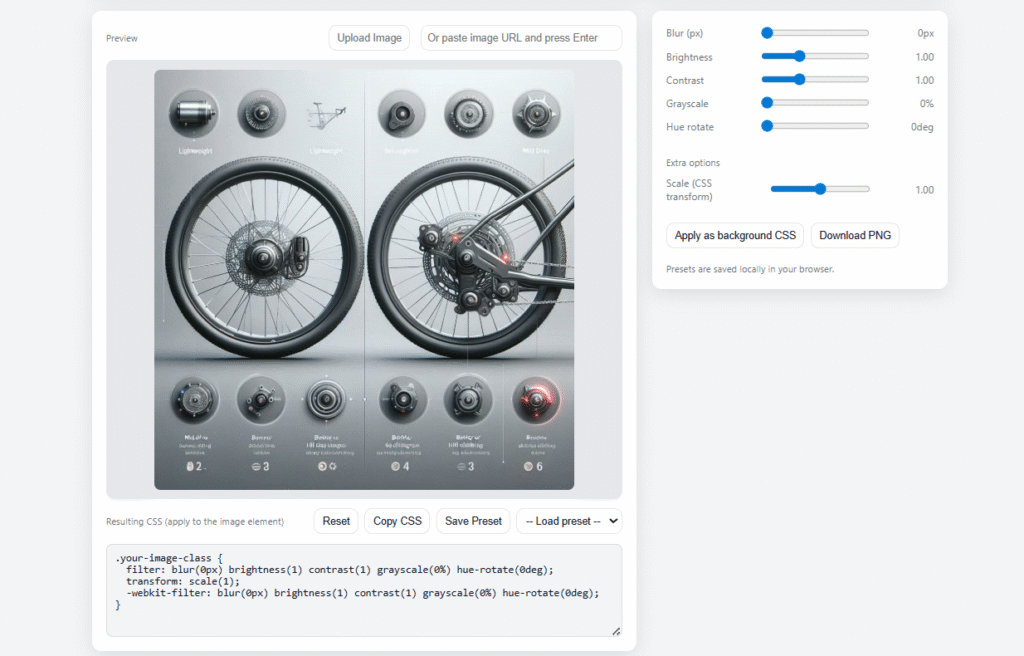
🎨 CSS Filter Playground
Apply and preview CSS filters like blur, contrast, and brightness in real time.

🌈 Gradient Background Generator
Create linear or radial gradients and see instant preview on your element.

🎨 Advanced Color Palette
Explore color combinations, generate palettes, and pick colors for borders and backgrounds.
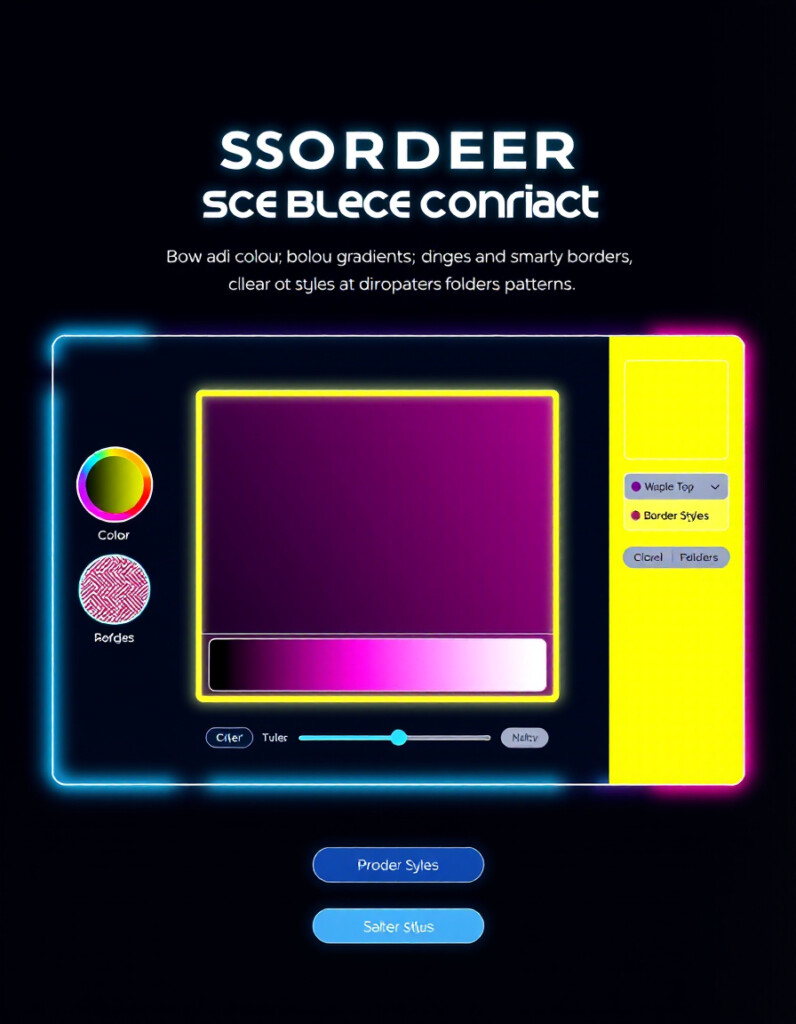
🎨 CSS Border Generator
Generate CSS border and border-radius code easily for your web projects.
🔧 Similar Tools
This tool is part of the educational resources published on RideWattly. Results should be used as a reference only and not as professional engineering advice.