Preview

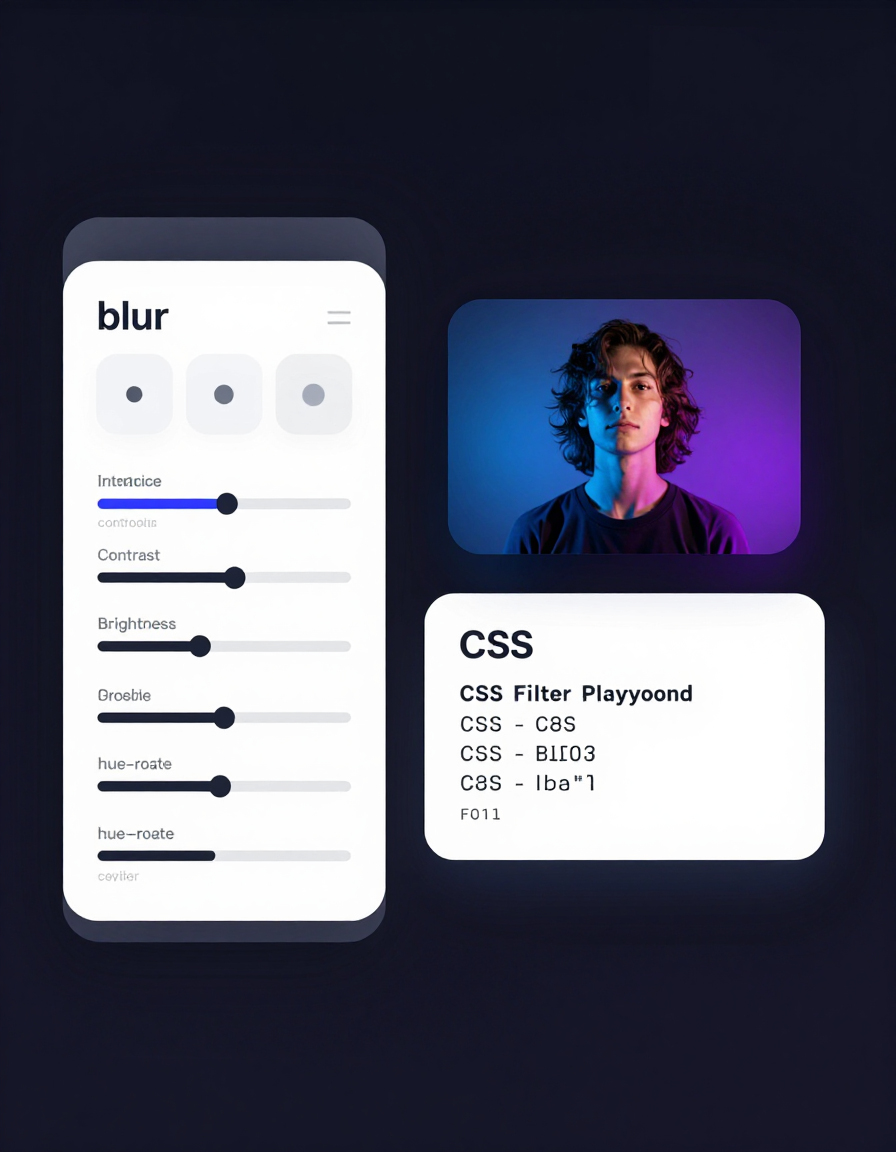
Modern UI design relies heavily on CSS filter effects to create depth, focus, and visual polish. Properties like blur, brightness, contrast, grayscale, and hue-rotate allow developers and designers to transform images in real-time — without Photoshop or external tools.
RideWattly’s CSS Filter Playground is an interactive visual editor that lets you experiment with filter combinations instantly. Adjust sliders, preview changes live, upload your own image, and copy production-ready CSS with a single click.
Whether you're building modern landing pages, glassmorphism effects, dark-mode overlays, hero image enhancements, or subtle hover transitions — this tool helps you test, refine, and generate clean filter CSS in seconds.
Interactive playground to tweak CSS image filters and copy the resulting CSS. Filters included: blur, brightness, contrast, grayscale, hue-rotate.
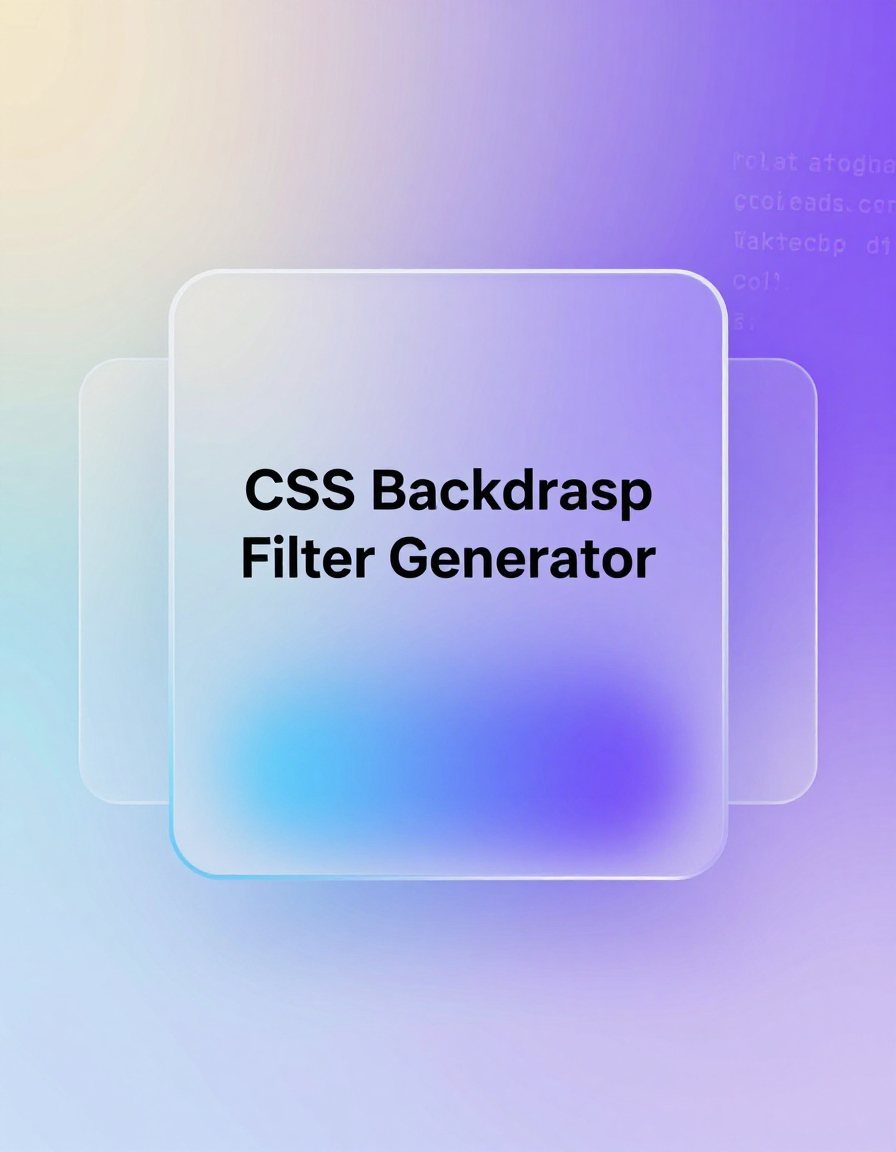
Create modern glass and blur background effects with real-time preview and clean CSS output.

Generate professional color palettes for UI design, branding, and creative web projects.

Ensure accessibility compliance by testing contrast ratios for text and backgrounds.

Design smooth CSS gradients for backgrounds, overlays, and modern web layouts.
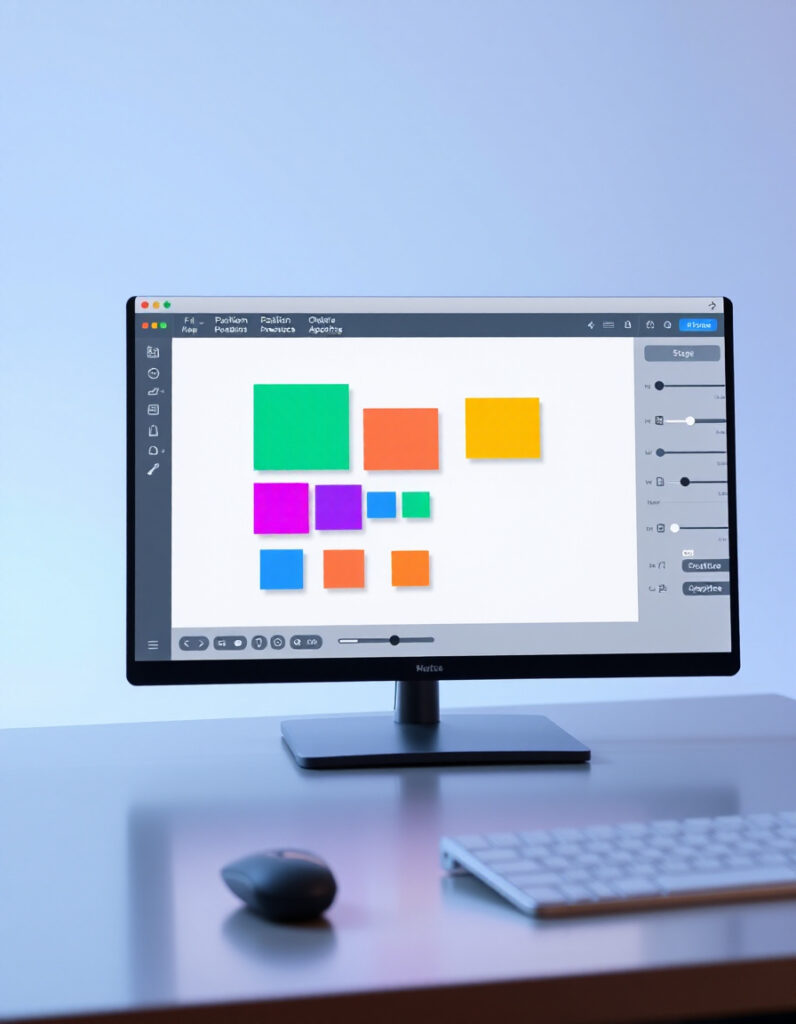
Build and preview complex CSS animations visually and export optimized keyframes.
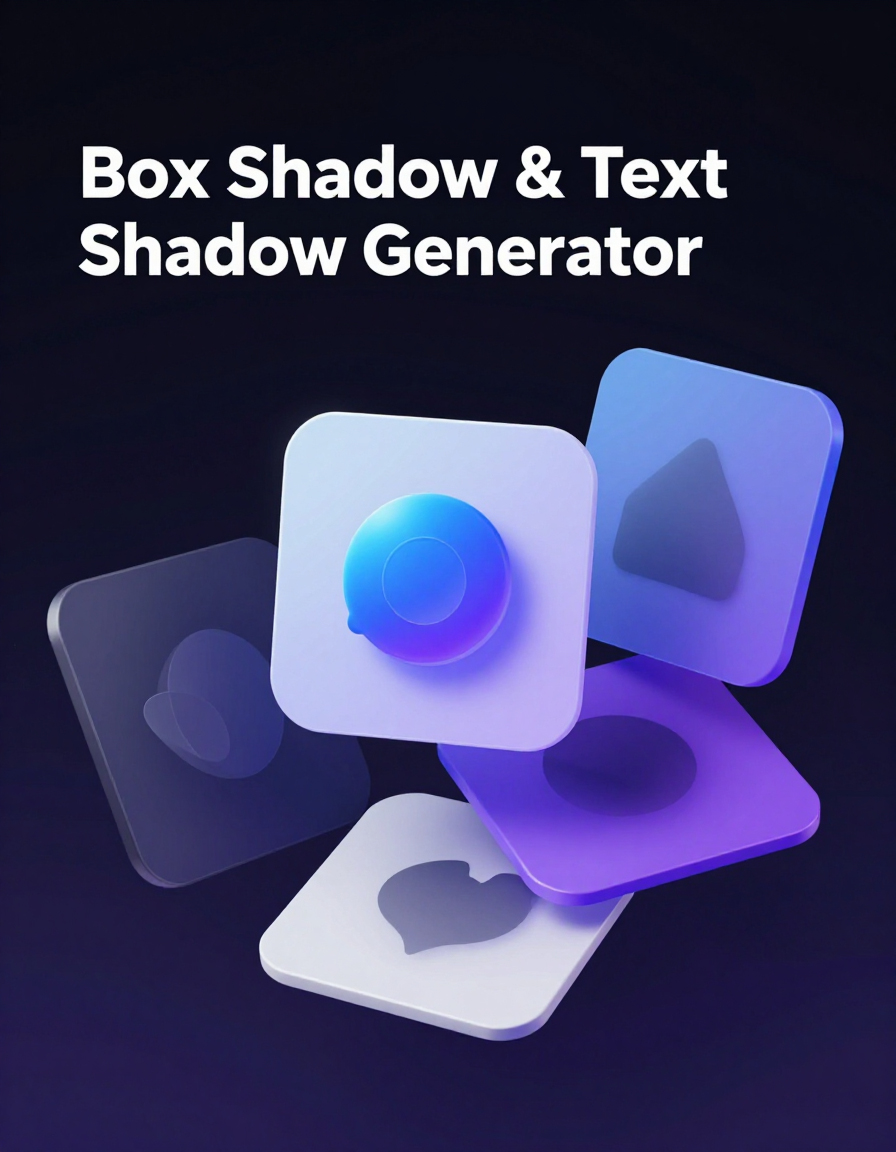
Create realistic box-shadow and text-shadow effects for depth and modern UI styling.
This tool is part of the educational resources published on RideWattly. Results should be used as a reference only and not as professional engineering advice.