E-Bike Simulator Firmware Builder
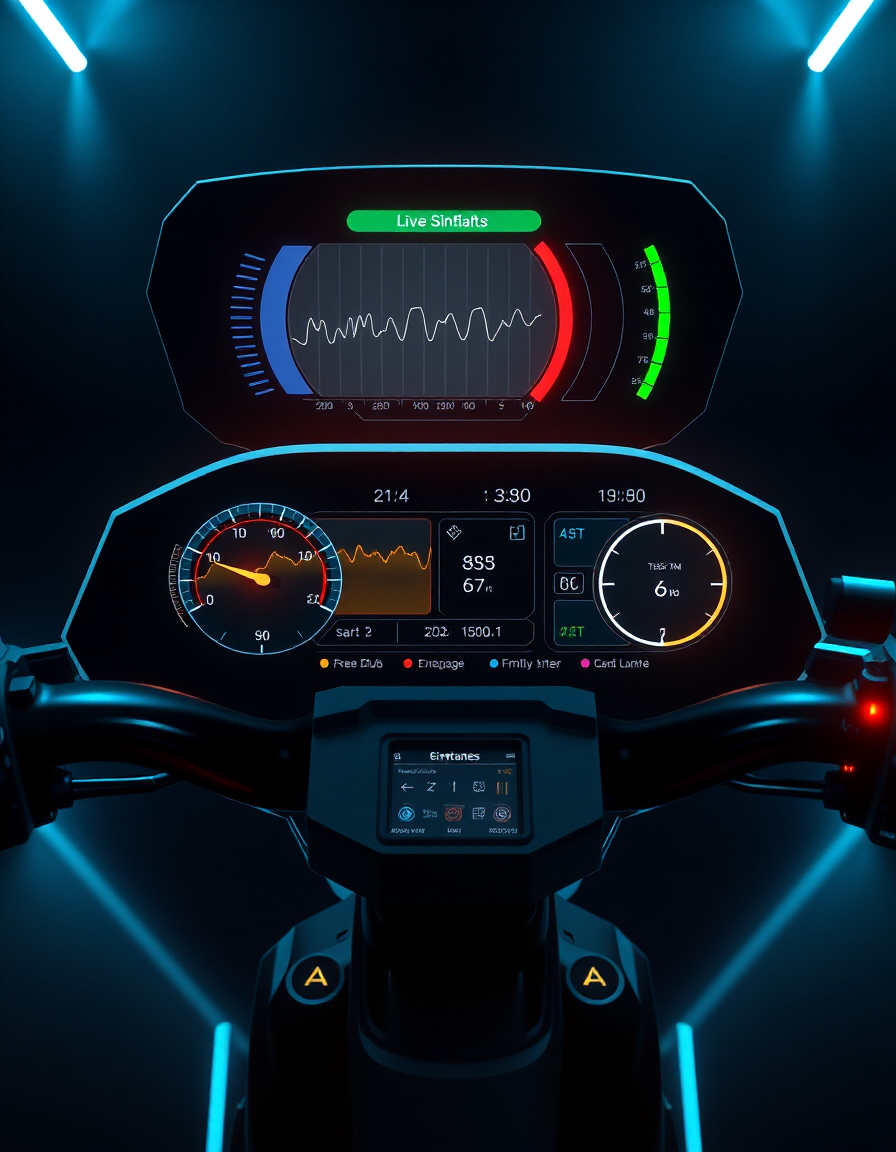
The E-Bike Simulator Firmware Builder is a powerful tool for creating, customizing, and testing firmware profiles for e-bikes and electric scooters. Adjust motor, battery, pedal assist, and brake settings to optimize ride performance and match your exact preferences.
With this tool, riders, engineers, and hobbyists can simulate real-world e-bike behavior in a controlled environment. You can save profiles, compare multiple setups, import/export JSON configurations, and instantly see the effects of different parameters on ride dynamics.
Whether you are fine-tuning for maximum speed, optimizing battery efficiency, or testing advanced braking and pedal assist levels, the E-Bike Simulator Firmware Builder provides live visual simulation and interactive feedback to make firmware customization simple and precise.
Create, save, load, compare, export, import, and simulate your E-Bike profiles with live animation.
Compare Profiles
Export / Import Profiles
Live Simulation
FAQs & Tips
-
Q: What is the E-Bike Simulator Firmware Builder?
A: It’s an interactive tool that lets you create, customize, and test e-bike firmware profiles, including motor, battery, pedal assist, and brake settings. -
Q: How do I save and load my profiles?
A: Enter a profile name and click “Save Profile” to store it. To load, select your profile from the dropdown and click “Load”. -
Q: Can I compare multiple profiles?
A: Yes, use the “Compare Profiles” section to select two profiles and see differences in motor, battery, and assist settings. -
Q: How can I export or import profiles?
A: Click “Export as JSON File” to download, or use the file input and “Import JSON File” to load profiles from your computer. -
Q: Does this tool simulate live ride behavior?
A: Yes, the live simulation canvas displays the effects of your firmware settings in real-time.
💎 Pro Tips for Advanced E-Bike Firmware Customization
-
1. Fine-Tune Pedal Assist Levels
Adjusting the pedal assist from 0–5 allows you to balance battery life and ride responsiveness. Test different levels in live simulation to find the perfect ride feel. -
2. Optimize Max Speed Safely
Set the max speed according to your local regulations and motor limits. Use the simulator to see how top speed affects acceleration and battery drain. -
3. Adjust Brake Sensitivity Gradually
High brake sensitivity improves stopping power but can make the ride jerky. Simulate different values to find a comfortable balance. -
4. Compare Multiple Profiles
Save multiple firmware profiles and use the compare tool to analyze differences in performance, battery usage, and motor response. -
5. Use Export/Import Strategically
Export your JSON profiles for backup or sharing. Import profiles from other riders to test alternative configurations safely in simulation. -
6. Test Realistic Scenarios in Simulation
Use the live simulation canvas to test acceleration, braking, and pedal assist in various conditions before applying firmware to your e-bike.
🔧 Similar Tools
This tool is part of the educational resources published on RideWattly. Results should be used as a reference only and not as professional engineering advice.