E-Bike Dashboard
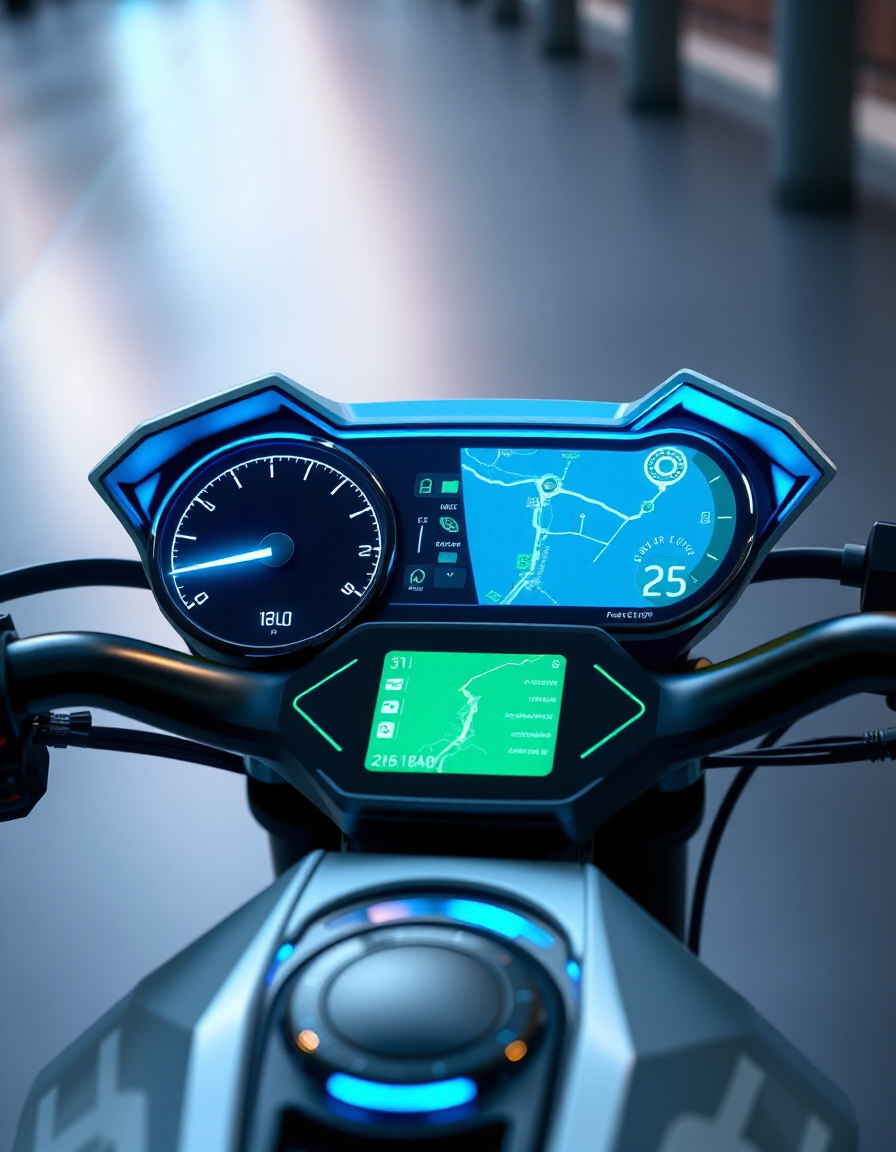
Track your ride in real-time with all the metrics you need, from speed and distance to battery and assist mode.
- ⚡ Speed & Acceleration: Current, average, and max speed at a glance.
- 🔋 Battery Monitoring: Level, percentage, and estimated range.
- 📏 Trip & Odometer: Distance traveled per trip and total distance.
- 🌡 Temperature: Motor and ambient temperature readings.
- 🛠 Assist Modes: View and switch between ECO, SPORT, or TURBO modes.
RideWattly’s E-Bike Dashboard is perfect for commuters, riders, and engineers who want instant insights and complete control over performance and efficiency.
FAQs & Tips
-
The E-Bike Dashboard is a real-time interface that displays speed, battery level, distance, temperature, and assist mode for your e-bike.
-
Yes, the dashboard shows current battery percentage, estimated range, and helps track energy usage for efficient riding.
-
Absolutely — you can monitor individual trip distances as well as total odometer readings directly on the dashboard.
-
Yes, the dashboard displays the current assist mode (ECO, SPORT, TURBO) and allows switching between modes while riding.
-
Yes, it provides current speed, average speed, and maximum speed during your ride.
-
Yes, RideWattly provides it freely for e-bike riders, hobbyists, and engineers who want real-time insights into performance.
Advanced FAQs & Pro Tips
-
Yes, the dashboard displays current battery level, estimated remaining range, and energy consumption trends to help optimize rides.
-
The dashboard provides real-time readings for speed, average and max speed, assist mode, and trip distance to analyze ride efficiency.
-
Yes, it displays ambient and motor temperature to help prevent overheating and maintain safe operating conditions.
-
Absolutely — the fullscreen button expands the dashboard to cover the entire screen, ideal for handlebar mounting or immersive monitoring.
-
Click the "Change Assist" button to cycle between ECO, SPORT, and TURBO modes while riding, with instant feedback on the dashboard.
-
Yes, use the embed code provided in the “Embed This Tool” section to integrate the dashboard seamlessly on your site.
-
Ensure sensors are calibrated, battery connections are secure, and the dashboard is mounted level for accurate readings.
-
It works best with e-bikes that provide speed, battery, and assist data to the dashboard interface. Compatibility may vary with custom setups.
Related Tools & Resources
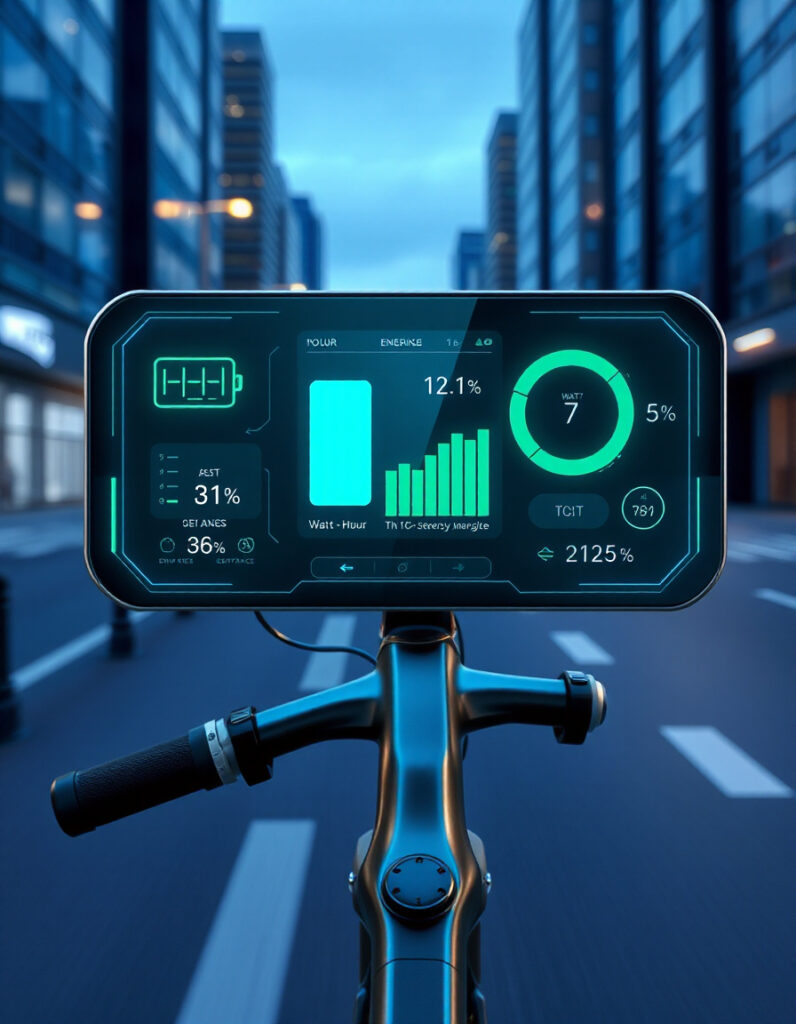
🔋 E-Bike Consumption Calculator
Track and optimize energy usage for your e-bike or scooter.

💰 E-Bike Cost of Ownership
Estimate long-term expenses including battery, maintenance, and charging costs.
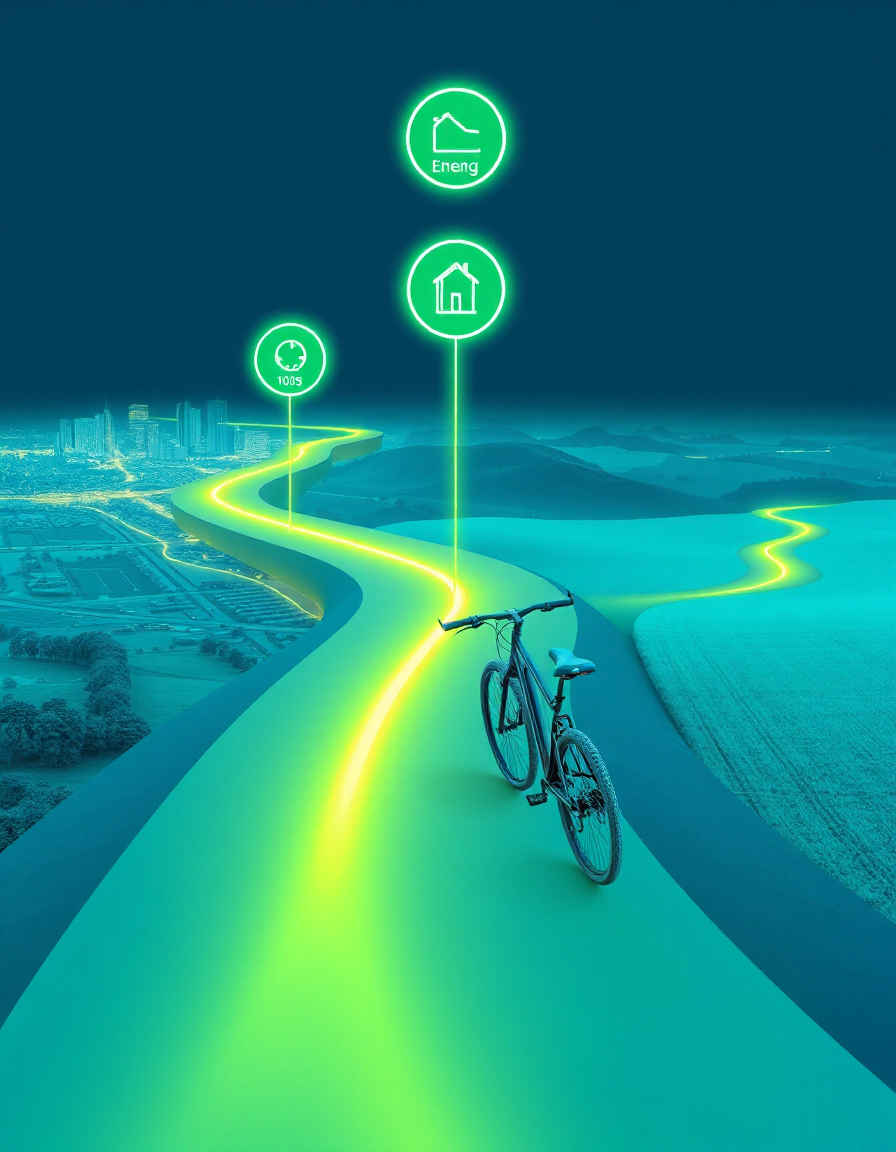
🗺️ Smart Route Planner
Plan efficient routes for e-bikes and scooters using real-time data.
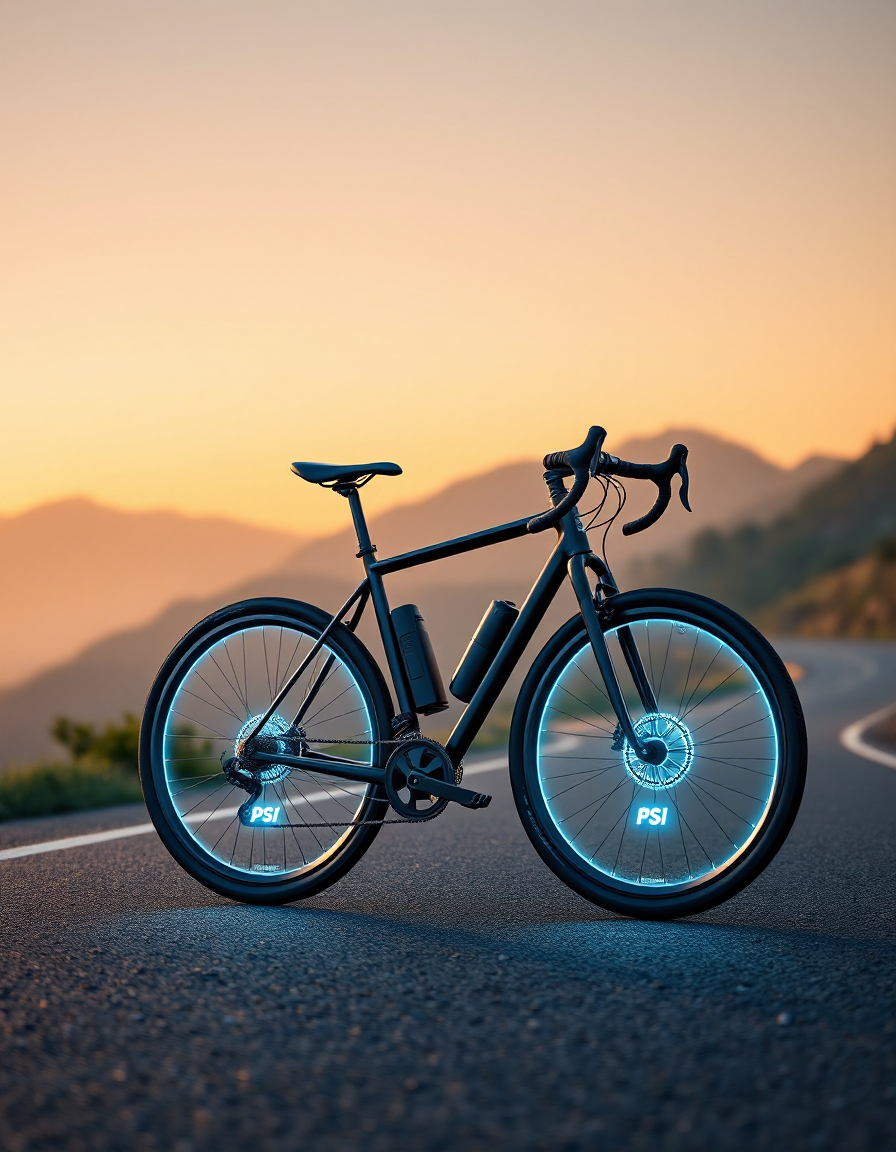
🛞 Tire Pressure Advisor
Check and optimize your tire pressure for safer and smoother rides.
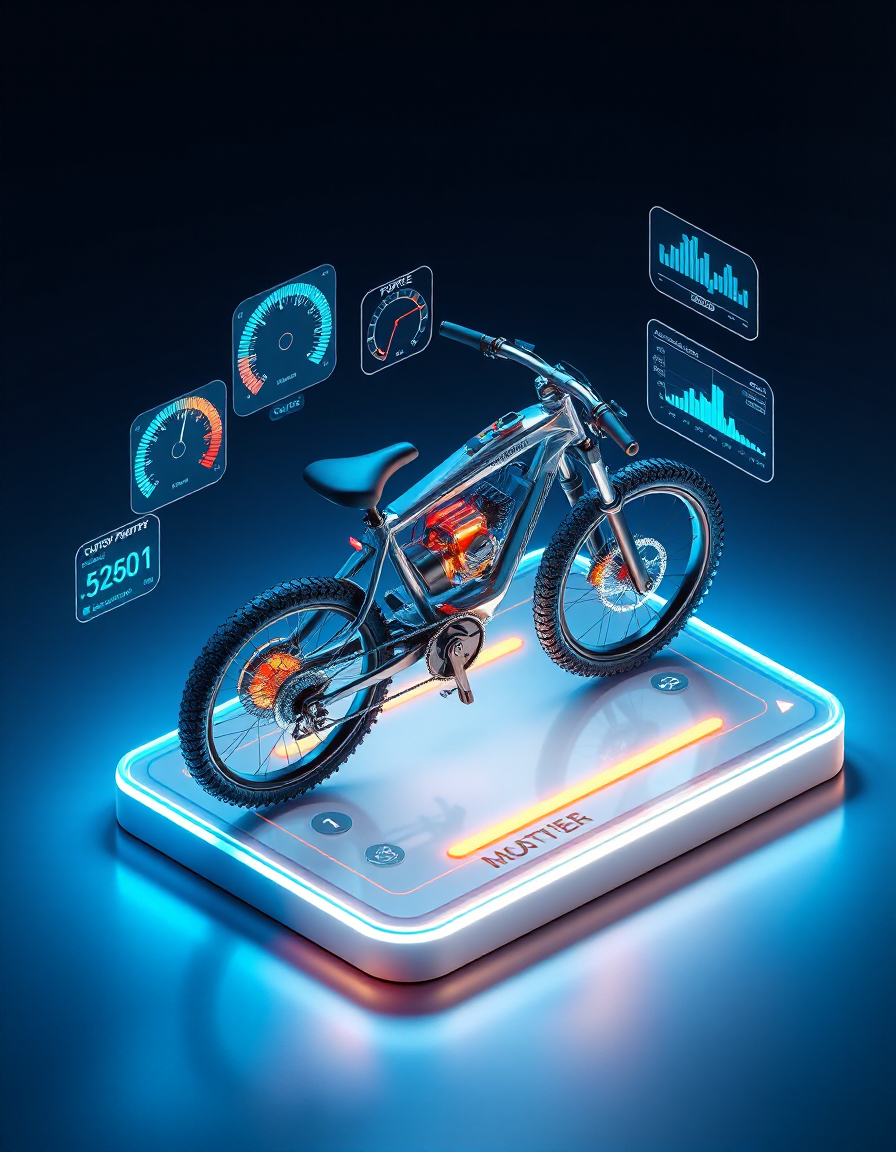
⚡ E-Bike Motor Power Estimator
Match your motor power to battery output for optimal performance.
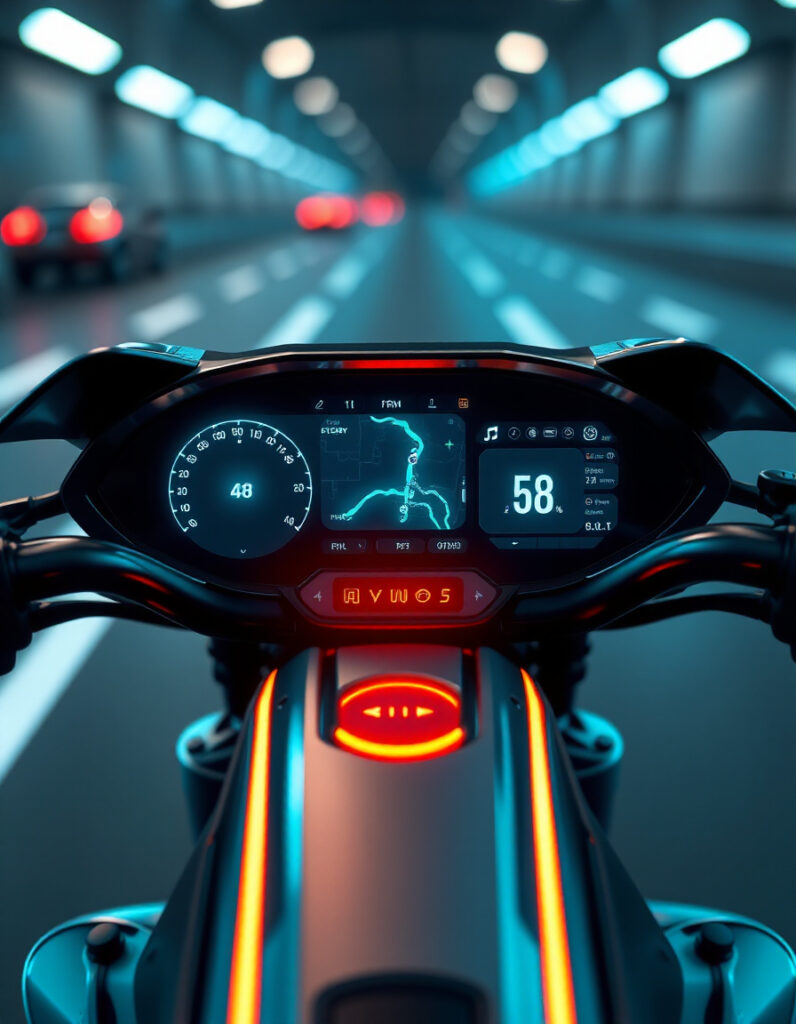
📊 E-Bike Dashboard
Monitor speed, battery, assist modes, and performance metrics in real-time.
🔧 Similar Tools
This tool is part of the educational resources published on RideWattly. Results should be used as a reference only and not as professional engineering advice.