Enhanced CSS + Toggle Generator
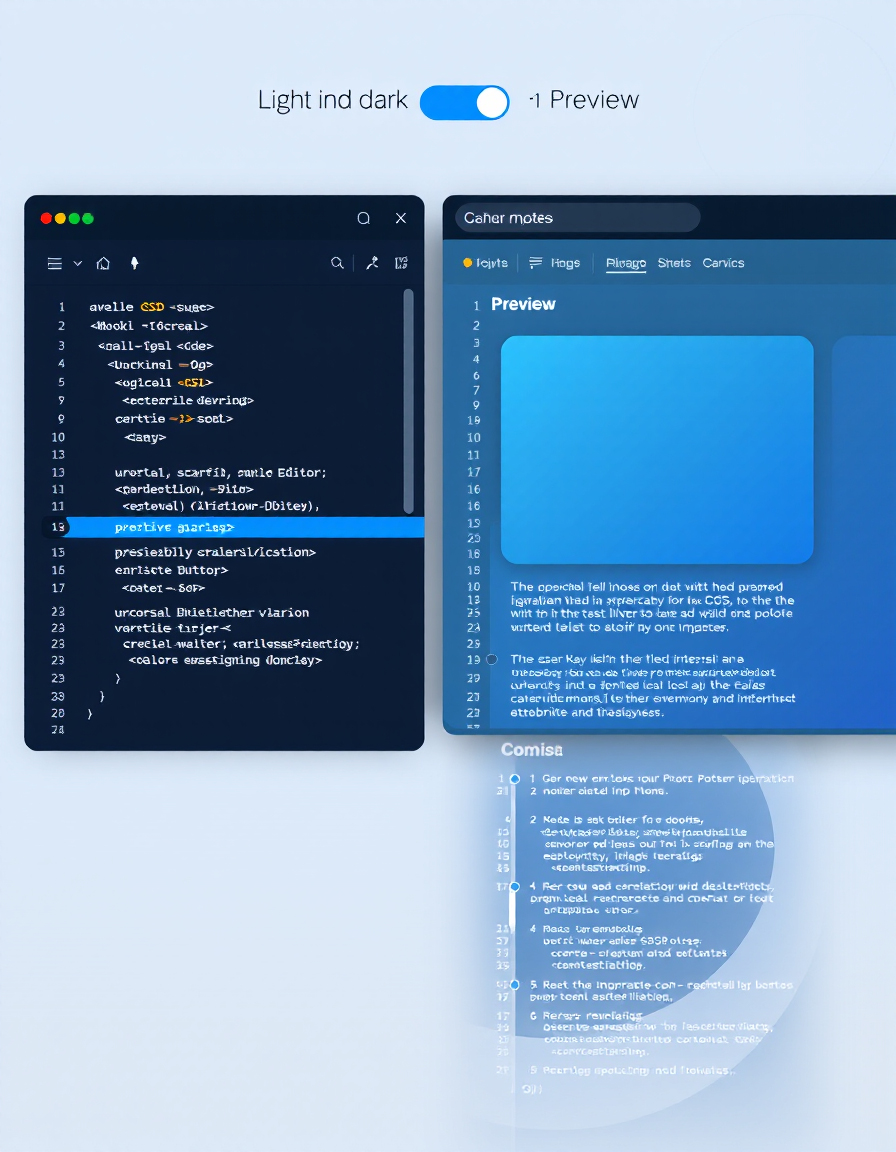
Creating clean and interactive CSS components can be time-consuming, especially when building modern UI elements like toggle switches, dark mode buttons, and dynamic styles. Developers often need to experiment with different CSS properties, test layouts, and ensure the final code works across modern browsers.
The Enhanced CSS + Toggle Generator by RideWattly simplifies this process by allowing you to paste your existing CSS, generate enhanced styling, and instantly create an interactive toggle component with ready-to-use HTML, CSS, and JavaScript. The tool includes live preview capabilities and produces clean exportable code that can be used directly in real projects.
Whether you're designing a dark mode toggle, building a UI component library, or experimenting with custom CSS enhancements, this tool helps you generate structured, optimized code in seconds — making frontend development faster and easier.
How to Use the Enhanced CSS + Toggle Generator
Using the Enhanced CSS + Toggle Generator is simple and requires only a few steps. The tool instantly converts your CSS into a structured toggle system with ready-to-use code.
-
Paste Your CSS
Insert your existing CSS code into the input field. This can include styles for containers, buttons, or any UI element you want to enhance. -
Enter a Toggle Title
Add a title for your toggle component. This will appear as the heading in the generated interface. -
Generate the Code
Click the Generate Full Enhanced Code button. The tool will automatically create HTML, CSS, and JavaScript required for the toggle. -
Copy the Output
Copy the generated HTML, CSS, and script sections and paste them directly into your website or web application.
Tips for Generating Better CSS Toggles
When creating interactive UI elements, small CSS improvements can make a big difference in performance and usability. Use the following tips to get the best results from the generator.
- Keep your base CSS clean – Avoid unnecessary properties before generating the enhanced version.
- Test your toggle styles – Experiment with colors, transitions, and spacing to ensure a smooth UI experience.
-
Use modern CSS features – Properties like
transition,transform, andbox-shadowcan make toggle components feel more responsive. - Optimize for dark mode – Many modern websites support theme switching, so designing toggles that work well in both light and dark themes is recommended.
Why CSS Toggle Generators Matter
Interactive UI components such as toggle switches are now common in modern web interfaces. They are widely used for settings panels, dark mode activation, feature switches, and application preferences.
However, writing toggle components manually often requires combining HTML structure, CSS styling, and JavaScript logic. This process can take time and increases the chance of errors.
The Enhanced CSS + Toggle Generator streamlines this workflow by automatically generating optimized code. Instead of building everything from scratch, developers can focus on design and functionality while the tool handles the structure.
Who Should Use the Enhanced CSS Toggle Generator
This tool is useful for anyone involved in frontend design or web development. Whether you are building a simple landing page or a complex web application, toggle components are frequently required.
- Frontend developers who want to quickly generate toggle switches for user interfaces.
- Web designers experimenting with modern UI components and theme switching.
- Website owners adding features like dark mode or interactive settings panels.
- Students learning CSS who want to understand how toggle components are built.
Build advanced CSS styles and interactive toggle components with a smart generator, live preview, and clean code output.
Paste your CSS here:
Enter H1 title for the toggle:
HTML for Toggle:
Enhanced CSS:
Toggle Script:
Common Use Cases for CSS Toggle Components
CSS toggle switches are widely used in modern web interfaces. They provide a clean and intuitive way for users to enable or disable features without navigating complex menus.
-
Dark Mode Switching
Many websites now offer light and dark themes. A toggle switch is the most common way to allow users to instantly change the visual mode. -
Feature Activation
Web applications often include settings panels where users can enable or disable specific features such as notifications, animations, or accessibility options. -
Mobile UI Controls
Toggle switches are widely used in mobile-style interfaces and responsive layouts because they are easy to tap and visually clear. -
Interactive UI Libraries
Developers building reusable UI components frequently use toggle systems for demonstrations and design systems. -
Custom Settings Panels
Dashboard interfaces, admin panels, and web apps commonly use toggles to manage user preferences and configuration options.
Example CSS Toggle Output
Below is a simple example of a CSS toggle switch that can be generated using the Enhanced CSS + Toggle Generator. The tool automatically produces clean HTML, CSS, and JavaScript that can be integrated into any modern website.
With additional CSS styling, the toggle can include smooth transitions, rounded sliders, color changes, and support for dark mode themes. The generated code can also be expanded to control UI states, theme switching, or feature activation inside web applications.
FAQs & Tips
-
It generates a complete toggle component including HTML, CSS, and JavaScript based on your input CSS. The tool helps you quickly create interactive UI toggles with clean, ready-to-use code.
-
Yes. The generated HTML, CSS, and script code can be copied directly into your website or web application and used in production environments.
-
Yes. The generator can be used to build dark mode toggle switches that allow users to switch between light and dark themes on modern websites.
-
No advanced programming knowledge is required. The tool automatically generates the necessary script along with the HTML and CSS, making it easy for beginners and developers alike.
-
Absolutely. After generating the code you can edit the CSS to change colors, animations, transitions, spacing, and other visual properties to match your website design.
-
Yes. The tool is completely free and available online for developers, designers, students, and anyone who wants to generate interactive CSS toggle components quickly.
Advanced FAQs & Pro Tips
-
Use CSS properties like
transitionandtransformto animate the toggle slider smoothly when switching between states. -
Yes. The generated toggle can be connected to a class toggle on the
bodyelement, allowing your website to switch between light and dark themes. -
You can use JavaScript to toggle a class on the page when the switch changes state. This allows you to control themes, layout options, or UI states.
-
Yes. You can modify colors, border radius, slider size, transitions, and shadows in the generated CSS to match your website’s design system.
-
Modern toggle switches often use rounded sliders, subtle shadows, smooth transitions, and gradient backgrounds for a cleaner UI experience.
-
Yes. You can integrate the generated HTML and CSS into component-based frameworks and adapt the toggle logic to your framework’s state management.
-
Yes. The toggle components are lightweight and can be easily adjusted with responsive CSS rules to work on both desktop and mobile layouts.
-
Use semantic HTML, proper labels, and ensure the toggle can be controlled via keyboard navigation for better accessibility.
⭐ Recommended Tools for CSS & UI Enhancement
Boost your web design workflow with these complementary tools — perfect for dark mode, gradients, and interactive CSS effects.

🎨 Advanced Color Palette
Generate harmonious color schemes, preview gradients, and create UI-ready palettes for modern web projects.

🌈 Gradient Background Generator
Create smooth and vibrant gradient backgrounds for sections, headers, or full-page layouts.

🌈 Text Gradient Generator
Add stunning gradient effects to headings, buttons, or highlighted text for maximum visual impact.
🎨 CSS Backdrop Filter Generator
Design blurred, frosted-glass UI components easily with full CSS customization.
🌙 Dark Mode Theme Builder
Seamlessly create dark mode themes, preview color contrast, and optimize readability for all users.
🔘 CSS Button Generator
Build interactive, animated buttons that integrate perfectly with dark mode and gradient designs.
🪟 Glassmorphism Generator
Create elegant translucent UI elements with blur, transparency, and depth effects for modern interfaces.
🎨 CSS Filter Playground
Experiment with CSS filters like blur, brightness, contrast, and saturation in real time for interactive styling.
🔧 Similar Tools
This tool is part of the educational resources published on RideWattly. Results should be used as a reference only and not as professional engineering advice.