Full Interactive Globe
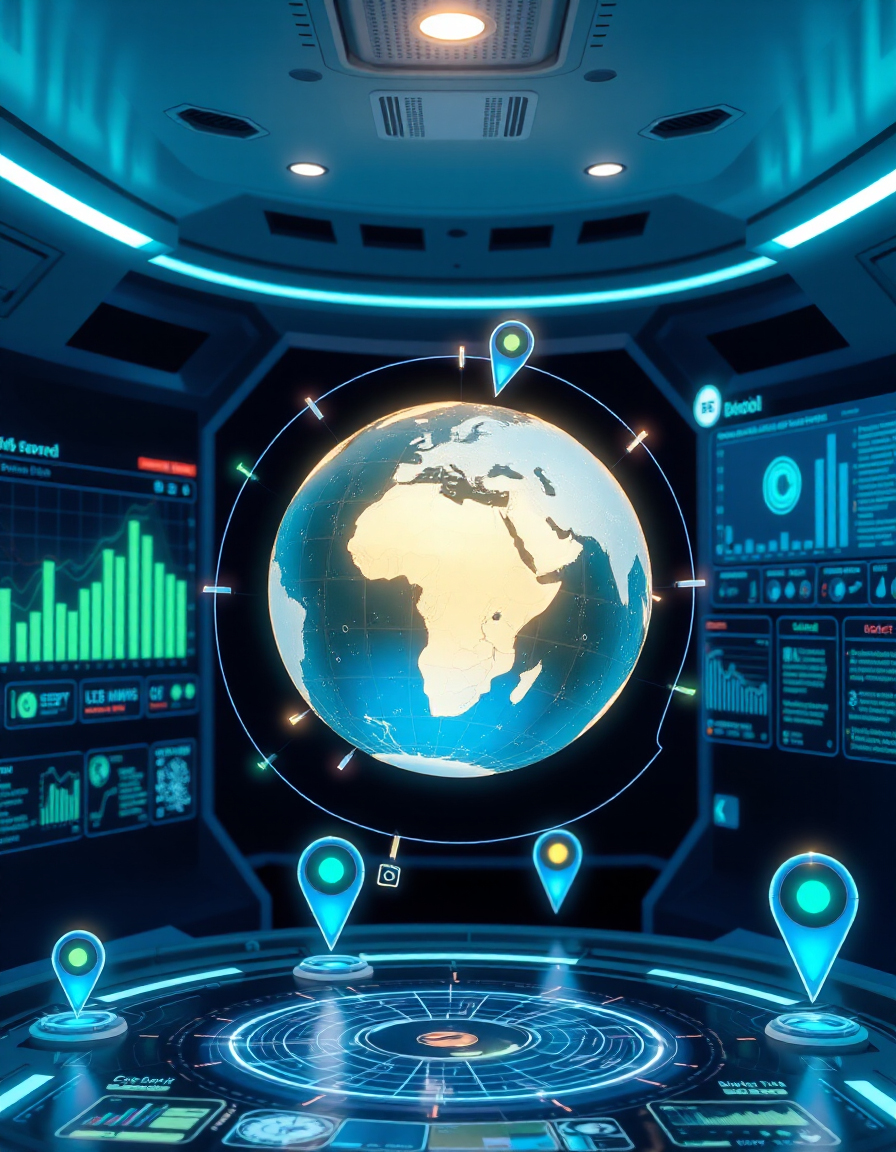
Discover the world in a fully interactive 3D globe with real-time Earth visualization using RideWattly’s powerful Full Interactive Globe. Navigate continents, oceans, and cities with smooth camera movement and immersive global views — all in your browser.
This interactive map tool is perfect for students, educators, researchers, and geography enthusiasts. Explore terrain, visualize urban areas, and analyze geospatial data instantly. The dynamic 3D environment brings global patterns, natural landscapes, and human settlements to life.
From the peaks of the Himalayas to the depths of the Mariana Trench, and from remote islands to major cities, this real-time globe explorer allows you to study Earth interactively. Gain insights into geography, global events, and environmental patterns with precise, visual, and engaging tools.
RideWattly’s Full Interactive Globe combines advanced Cesium 3D mapping with intuitive controls, giving you a seamless experience for education, research, or simply exploring the planet from your screen.
How to Use the Full Interactive Globe
Using RideWattly’s Full Interactive Globe is simple and intuitive. Navigate the globe by dragging your mouse or swiping on touch devices. Zoom in and out using the scroll wheel or pinch gestures. Rotate the camera to explore different angles and perspectives. Click on cities, countries, or landmarks to access additional geographic information.
The globe supports real-time 3D visualization powered by Cesium, so you can view terrain, oceans, and urban areas seamlessly. Adjust camera speed and perspective to customize your exploration experience.
Tips & Guide
- Use the search bar (if available) to quickly jump to specific locations or coordinates.
- Toggle layers for terrain, satellite imagery, or political boundaries to compare different perspectives.
- Enable the dark mode toggle for a comfortable viewing experience at night.
- Combine zoom and rotation to study topography, city layouts, or natural formations in detail.
- Bookmark or save your favorite views for future reference.
Why It Matters
Understanding geography and global patterns is crucial for education, research, and general knowledge. The Full Interactive Globe allows users to visualize Earth’s features and human settlements dynamically, enhancing spatial awareness and comprehension of complex geographic data.
By interacting with a real-time 3D globe, learners can see relationships between countries, climate zones, and topography, providing context that static maps cannot deliver.
Who Should Use This Tool
RideWattly’s Full Interactive Globe is ideal for:
- Students studying geography, environmental science, or global studies.
- Educators looking for an engaging visual aid to teach about Earth’s features.
- Researchers analyzing spatial data or global trends.
- Geography enthusiasts and explorers who love to interact with maps in 3D.
- Travel planners or anyone curious about cities, landmarks, and terrain worldwide.
Explore Earth in a fully interactive 3D environment with real-time navigation, smooth camera movement, and immersive global visualization powered by Cesium.
FAQs & Tips
-
It is a web-based 3D Earth explorer powered by Cesium, allowing real-time navigation, interactive maps, and immersive global visualization directly in your browser.
-
Drag your mouse or swipe on touch devices to rotate the globe, scroll or pinch to zoom, and click on locations to access additional information.
-
Yes, the Full Interactive Globe is ideal for students, educators, researchers, and anyone interested in geography, global patterns, and spatial data.
-
Yes, you can view different layers including terrain, satellite imagery, and political boundaries to explore Earth from multiple perspectives.
-
Absolutely — the tool includes interactive labels and details for major cities, landmarks, and geographic features worldwide.
-
Yes, use the theme toggle at the top of the tool to switch between light and dark modes for a comfortable viewing experience.
-
Yes, the globe is fully responsive and works on tablets and smartphones, supporting touch gestures for navigation and zooming.
-
The globe supports real-time visualization of geospatial layers such as weather patterns, satellite imagery, or dynamic mapping data, depending on available datasets.
-
While the tool does not store personal data, you can copy coordinates or use browser bookmarks to save your favorite views.
-
Yes, RideWattly provides the Full Interactive Globe completely free for students, educators, researchers, and enthusiasts.
-
No installation is needed. The Full Interactive Globe runs directly in your browser without additional software or plugins.
-
The tool works best on modern browsers like Chrome, Edge, Firefox, and Safari, supporting WebGL and JavaScript for full 3D performance.
Advanced FAQs & Pro Tips
-
Use the search feature to jump to countries, cities, or coordinates instantly, and adjust zoom for detailed inspection.
-
Yes, switch between satellite imagery, terrain view, political borders, and custom geospatial layers for diverse perspectives.
-
Click on multiple points using the measurement tool to calculate straight-line or surface distances across the globe.
-
Depending on available datasets, you can overlay live weather, satellite feeds, or other dynamic geospatial information.
-
Reduce the terrain or imagery quality, disable unnecessary layers, and use a modern browser with hardware acceleration enabled.
-
Yes, the tool is perfect for lectures and interactive demonstrations. You can zoom, rotate, and highlight locations in real time.
-
Certain navigation shortcuts are supported, like arrow keys to rotate, plus/minus for zoom, and spacebar to reset view.
-
Absolutely. Use the provided iframe embed code to include the interactive globe directly on your own pages.
-
Copy coordinates or use URL parameters if supported, so you can share specific views with others instantly.
-
Depending on the integration, you can overlay GIS datasets, historical maps, or thematic layers for advanced analysis.
🔧 Similar Tools
This tool is part of the educational resources published on RideWattly. Results should be used as a reference only and not as professional engineering advice.