Super Interactive Kids Game PRO - Responsive
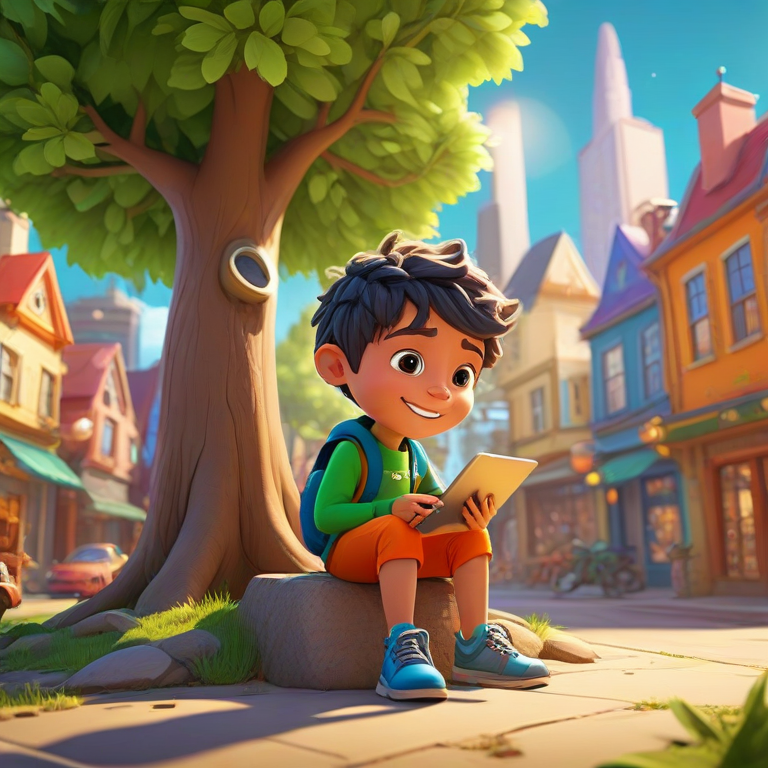
The Interactive Story Builder is a smart educational game designed to help children explore creativity, imagination, and problem-solving through playful storytelling. Instead of simply reading a story, kids actively participate by making choices, selecting characters, and guiding the adventure forward.
This interactive experience turns learning into a game where children develop memory, logical thinking, and creative expression. Each choice can influence the story, unlock achievements, and collect eco points that reward curiosity and positive actions.
The game is fully responsive and browser-based, making it perfect for tablets, desktop computers, or classroom screens. Parents and teachers can use it as a fun educational activity that encourages reading, decision-making, and imagination in a safe digital environment.
How to Use the Interactive Story Builder
The Interactive Story Builder is designed to be simple and fun for kids. Children can start playing immediately by choosing a character and making decisions that shape their own unique adventure.
-
Choose Your Character
Start by selecting one of the adventure characters such as EcoHero, CityRider, or TreeGuardian. Each character leads to a different style of story experience. -
Follow the Story Scenes
The game will present scenes and situations. Kids read the story text and explore the adventure as it unfolds. -
Make Choices
Children interact with the story by selecting options that influence the direction of the adventure. These decisions help develop logical thinking and creativity. -
Earn Eco Points
Positive choices reward players with eco points and achievements that encourage learning and exploration. -
Export Your Story
At the end of the adventure, players can export their story as a PDF to save or share with friends, teachers, or family.
Benefits of Interactive Story Games for Kids
Interactive storytelling games are powerful learning tools because they combine education, creativity, and play. Instead of passively reading or watching, children actively participate in the story and shape its outcome.
-
Improves Reading Skills
Kids practice reading while following story scenes and understanding context. -
Encourages Creative Thinking
Choosing story paths allows children to imagine possibilities and explore new ideas. -
Builds Decision-Making Skills
Players learn that choices have consequences, helping them develop logical thinking. -
Strengthens Memory and Focus
Interactive gameplay keeps children engaged and encourages attention to story details. -
Makes Learning Fun
Gamified storytelling transforms educational content into an enjoyable adventure.
Why Interactive Storytelling Improves Kids Creativity
Interactive storytelling is one of the most effective ways to stimulate a child’s imagination. Unlike traditional stories where children simply read or listen, interactive stories allow them to become part of the adventure. Every decision shapes the story and creates a unique experience.
When kids choose characters, explore story paths, and respond to challenges, their brains actively practice creative thinking and problem solving. This kind of engagement helps develop imagination while strengthening important cognitive skills.
Games like the Interactive Story Builder transform storytelling into a playful learning experience. Children experiment with ideas, discover new possibilities, and learn how actions influence outcomes. This process encourages curiosity, exploration, and confidence in decision making.
Key Creative Skills Developed Through Story Games
- Imagination – Kids visualize characters, worlds, and adventures as they guide the story.
- Creative Problem Solving – Players think about the best choices to move the story forward.
- Narrative Thinking – Children understand how stories are structured with beginnings, challenges, and resolutions.
- Emotional Intelligence – Story decisions often involve empathy and understanding characters.
- Confidence in Ideas – Kids learn that their decisions create new possibilities and outcomes.
As digital learning tools continue to evolve, interactive storytelling games are becoming an important bridge between education, creativity, and technology. They make learning engaging while giving children the freedom to explore their imagination.
A smart, responsive, and interactive game designed to make learning fun for kids. Improve memory, logic, creativity, and problem-solving through engaging gameplay.
Welcome! Choose your character to start your eco adventure:Kids Story Game – FAQs
-
The Interactive Story Builder is an educational online game that allows kids to explore stories by making choices, selecting characters, and guiding the adventure. It combines storytelling with interactive gameplay to encourage creativity, imagination, and learning.
-
The game encourages reading, decision-making, and logical thinking. Kids interact with story scenes, choose actions, and see how their decisions affect the story outcome, helping develop creativity and problem-solving skills.
-
Yes. Teachers can use the game as a fun educational activity to encourage storytelling, reading comprehension, and creative thinking. The simple interface works well on classroom screens, tablets, and computers.
-
Yes. At the end of the adventure, players can export their story as a PDF file. This allows children to save their creative stories or share them with friends, parents, or teachers.
-
Absolutely. Each choice can change the direction of the story. Different decisions may unlock achievements, earn eco points, or lead to unique story outcomes.
-
Yes. RideWattly provides this educational storytelling game for free so kids, parents, and teachers can enjoy a fun and creative learning experience online.
Advanced FAQs & Pro Tips
-
Use the character editor to adjust colors, size, and accessories. Combine different assets to make unique characters for your stories.
-
Yes, you can drag and drop interactive components into your scenes and link them with events or story triggers for dynamic gameplay.
-
Save your current scene as a template, then reload it for new stories. This helps maintain consistent style and speeds up content creation.
-
Yes, upload images from your computer to use as backgrounds, props, or textures. Ensure they match the recommended size for best results.
-
Use the built-in preview mode to simulate interactions. Test buttons, animations, and triggers to ensure everything works smoothly.
-
Yes, export stories as web-friendly HTML or share a direct link. Others can play your story in a browser without installing software.
-
Reduce image size, limit the number of animations per scene, and compress audio files. This ensures smooth playback on most devices.
-
Yes, common shortcuts include Ctrl+Z to undo, Ctrl+C / Ctrl+V to copy/paste, and arrow keys to nudge objects precisely in the scene.
Creative Kids Tools & Games
⚡ Banana Builder
Create playful interactive content and explore creative structures in a fun way.
🖍️ Coloring Book
Enjoy relaxing digital coloring pages designed for creativity and fun.

🖌️ Pixel Art Maker
Create simple pixel characters and fun digital artwork directly in your browser.

🖼️ AI Image Prompt Generator
Generate creative prompts to design imaginative images and artwork.

🎨 Advanced Color Palette
Discover beautiful color combinations for creative projects and digital art.

🌈 Text Gradient Generator
Create colorful gradient text styles for digital design and creative projects.

📐 Grid Builder
Build structured layouts and creative grids for design and visual planning.

✂️ Image Crop & Resize
Resize and crop images quickly for projects, artwork, and web content.
🔧 Similar Tools
This tool is part of the educational resources published on RideWattly. Results should be used as a reference only and not as professional engineering advice.