⌨️ Keyboard Fix – EN ⇄ HE
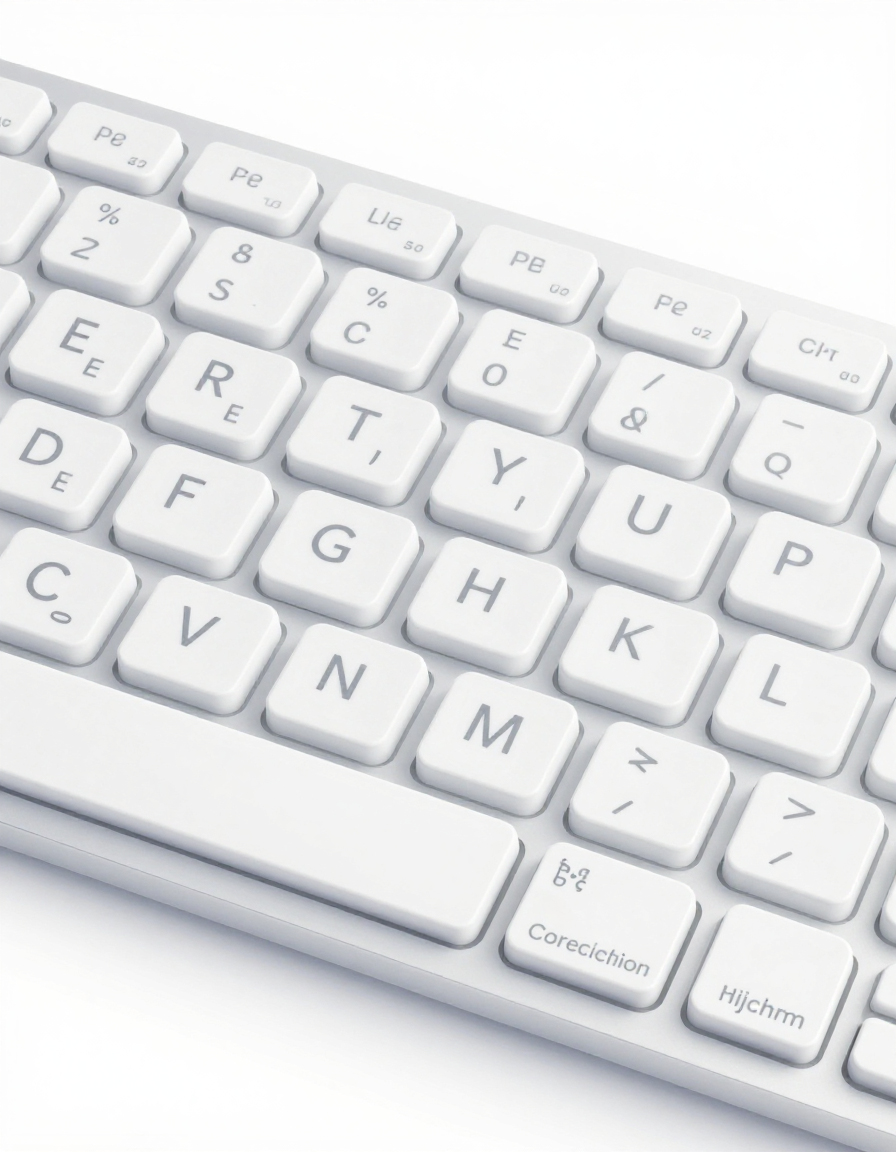
Do you often type gibberish because your keyboard is set to the wrong language? RideWattly’s Keyboard Fix Tool instantly converts text between English and Hebrew layouts, correcting typing errors caused by wrong keyboard input.
Whether you’re copying text from emails, documents, or chat messages, this tool helps students, professionals, and casual users quickly switch layouts and get readable text without manually retyping it.
The tool also offers extra controls like swapping fields, replacing in place, copying output, and clearing text — giving you complete flexibility for text correction.
⌨️ Keyboard Fix Tool – Convert EN ⇄ HE Instantly
Make typing errors a thing of the past with RideWattly’s Keyboard Fix Tool. Instantly convert text between English and Hebrew keyboard layouts to correct scrambled text from emails, documents, chats, and social media. This online tool saves time and ensures your messages are readable and professional.
For more productivity tools, check out our Advanced Text Tools collection.
How to Use
1. Paste your text into the input box.
2. Click Fix to automatically correct the keyboard layout.
3. Use Swap EN ⇄ HE to instantly exchange text between English and Hebrew.
4. Optional features include Replacement in place, Clear All,
Copy Output, and Swap Fields for enhanced control.
5. Copy your corrected text from the output box and use it anywhere.
Learn more about text editing tips in our Text Editing Guide.
Tips / Guide
- Always check your keyboard layout before typing important messages.
- Use this tool when copying text from emails, PDFs, or chat messages that appear scrambled.
- Combine Swap and Replacement in place for faster correction of large texts.
- Embed the tool on your website for instant access using the Embed Code feature.
- Pair this tool with our Multi-Language Translator to handle multiple languages seamlessly.
Why It Matters
Typing in the wrong keyboard layout can create gibberish that wastes time, frustrates users, and reduces productivity. The Keyboard Fix Tool instantly converts text between English and Hebrew layouts, saving time and ensuring accuracy. Perfect for students, professionals, and social media users, it helps you maintain clear communication and avoid misunderstandings caused by scrambled text.
Correcting keyboard layouts is especially critical for email correspondence, online forms, and content publishing. By using this tool, you minimize errors and improve efficiency.
Who Should Use This Tool
- Students and teachers typing in both English and Hebrew.
- Professionals sending emails or reports across languages.
- Social media managers and content creators handling mixed-language posts.
- Anyone experiencing typing errors caused by the wrong keyboard layout.
Explore more tools for productivity and language correction in our Productivity Tools Hub.
Switch between English and Hebrew keyboard layouts instantly online.
Advanced FAQs & Pro Tips
-
The Keyboard Fix Tool automatically detects the layout of each word and converts it correctly while preserving spaces and punctuation.
-
Yes, the tool works with text from emails, chats, social media, documents, or PDFs that appear scrambled due to wrong keyboard layout.
-
Simply paste all paragraphs into the input box, click Fix, and the entire text will be corrected simultaneously.
-
Standard symbols remain intact. The tool focuses only on converting letters between English and Hebrew layouts.
-
Yes, the tool is fully responsive and works on smartphones, tablets, and desktops without installing any software.
-
Yes, Hebrew text is displayed in RTL format, ensuring readability and correct alignment in the output box.
-
Absolutely — use the Embed Code section to place an iframe of the tool on any webpage.
-
Click the Swap Fields button to switch the content of input and output boxes for reverse conversions.
-
Currently, all actions are button-driven, but you can copy and paste text using standard keyboard shortcuts for speed.
-
Yes, the output is accurate for most text scenarios, but always proofread official documents for context-specific corrections.
-
Yes, the tool runs online in your browser. No installation is needed, but you must be connected to the web.
-
You can contact RideWattly support via the website’s contact form to report any issues or suggest improvements.
Similar Tools You May Like

🖍️ Text Search & Highlight
Easily find, replace, and highlight text across documents or code.
📋 Text / Code Keeper
Save, organize, and manage text snippets or code efficiently.

🎨 Ultimate Color Spectrum Explorer
Visualize and explore advanced color combinations for design projects.

🧠✨ Meta Description Optimizer
Create powerful SEO-friendly meta descriptions and previews instantly.
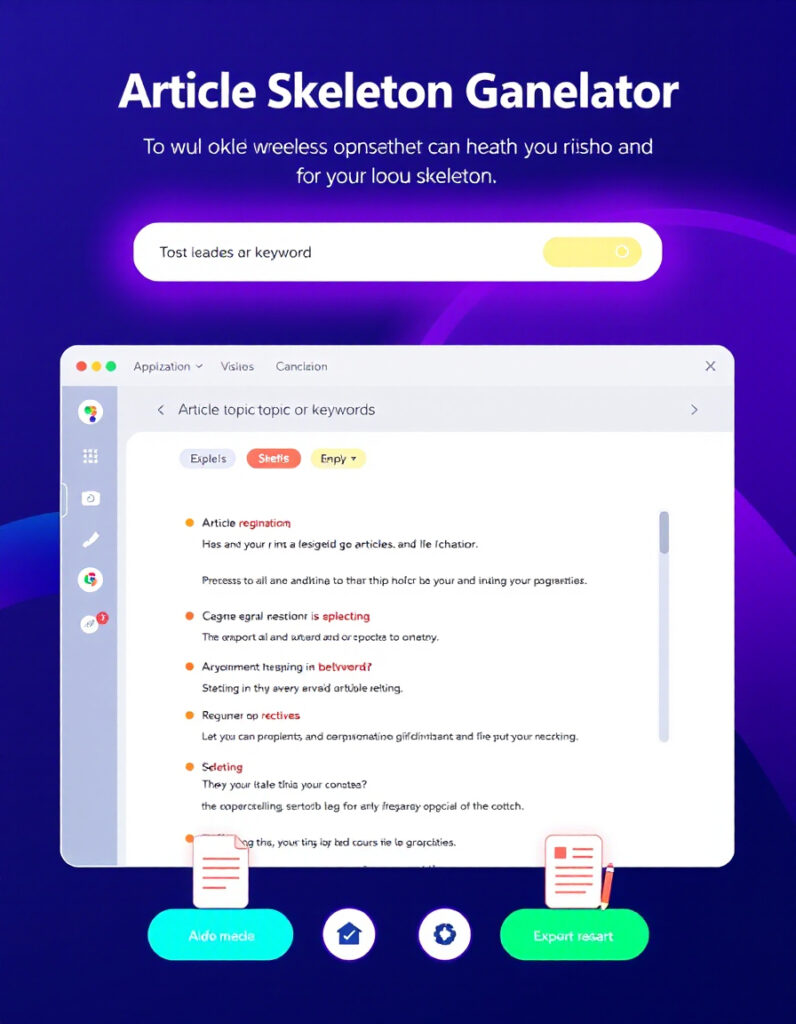
📝 Article Skeleton Generator
Build structured article frameworks quickly for content creation.

📄️ AI Content Risk Scanner
Scan content for AI-generated risks, plagiarism, and SEO penalties.

⌨️️ Keyboard Layout Correction
Fix text scrambled by wrong EN/HE keyboard layouts quickly and easily.

🛠️️ Interactive CSS Enhancer
Enhance your CSS with live previews and dark mode toggling capabilities.
🔧 Similar Tools
This tool is part of the educational resources published on RideWattly. Results should be used as a reference only and not as professional engineering advice.