 Logo to Multi-Size Favicon & PNG/JPG
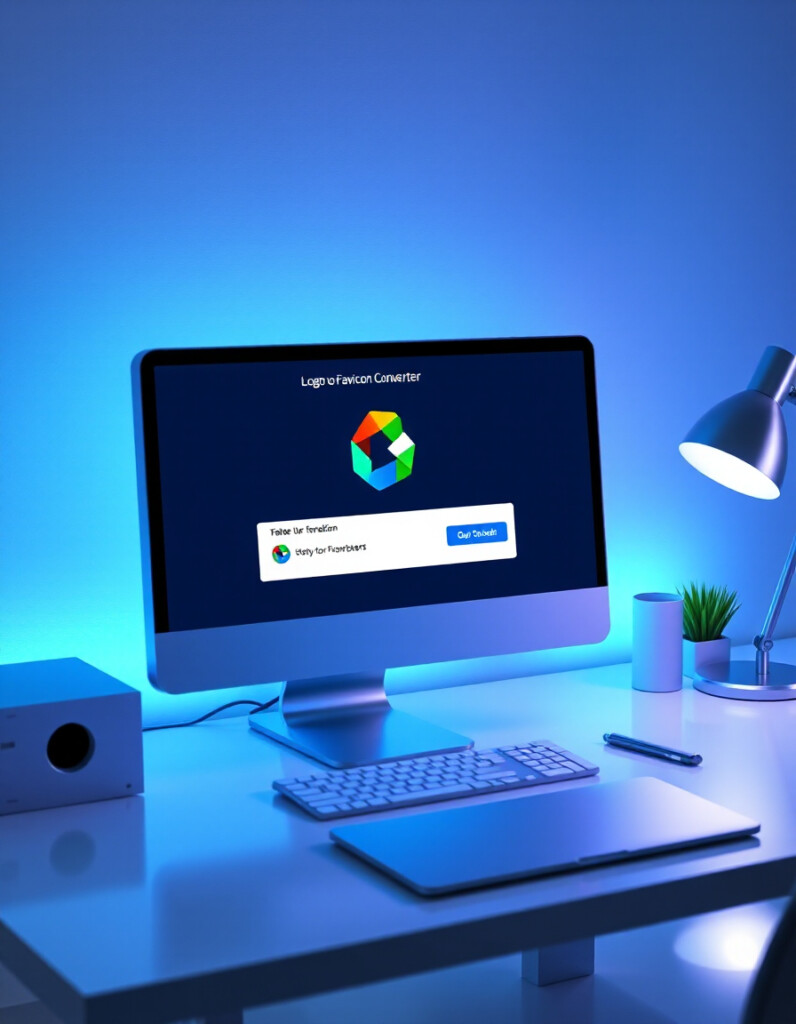
Creating a professional website favicon is an essential step in building a strong online brand. Our Favicon Generator & Image Converter allows you to instantly transform any logo or image into a favicon or web-ready icon. Whether you need a classic .ICO favicon or modern PNG and JPG formats, this tool makes the conversion fast and simple.
Simply upload an image or logo, choose your preferred format, and the tool will automatically convert it into a favicon, PNG, JPG, or ICO file. The generated icon can then be downloaded instantly or embedded into your website using the provided ready-to-use embed URL.
Whether you're building a new website, improving your brand identity, or optimizing your site for browsers and bookmarks, this tool helps you generate clean, lightweight, and cross-browser compatible icons in seconds — directly from your browser with no design software required.
How to Use the Favicon Generator
Creating a favicon for your website is quick and easy with the RideWattly Favicon Generator & Image Converter. Follow these simple steps to transform any logo or image into a professional website icon.
- Upload an Image – Select a logo or image from your device.
- Choose Output Format – Convert the image into favicon (ICO), PNG, or JPG depending on your needs.
- Generate the Icon – The tool automatically processes the image and prepares it for download.
- Download or Embed – Download the generated icon file or use the provided embed URL to add the favicon directly to your website.
Tips for Creating Better Favicons
- Use a simple design. Favicons are small icons, so minimal shapes and clear symbols work best.
- Start with a square image. A square logo ensures the icon displays correctly across browsers and devices.
- Use high resolution. Uploading a larger image helps maintain clarity when the favicon is resized.
- Choose strong contrast. High-contrast colors make the icon more visible in browser tabs.
- Test across browsers. Different browsers display favicons slightly differently, so preview the icon when possible.
Why Favicons Matter for Websites
Favicons may be small, but they play an important role in website branding and usability. A well-designed favicon helps users quickly recognize your website when browsing multiple tabs or saving bookmarks.
Search engines and browsers also use favicons in several places, including browser tabs, bookmarks, history lists, and mobile shortcuts. Without a favicon, your website may appear less professional or harder to identify.
Using a clean and recognizable icon improves your site's visual identity, credibility, and user experience. With the RideWattly favicon generator, you can create optimized icons for modern browsers in just a few seconds.
Who Should Use This Tool
The RideWattly Favicon Generator is designed for anyone who builds or manages websites and needs quick access to clean, browser-compatible icons.
- Web Developers creating or launching new websites
- Bloggers and Content Creators who want to improve site branding
- Startup Founders building professional looking websites
- Designers generating favicon versions of logos
- Website Owners updating or improving their site's visual identity
Because the tool runs directly in your browser, there is no need to install software or use complex design tools.
Logo to Favicon & Image Converter
Preview
Download Results
FAQs & Tips
-
The tool converts logos or images into website favicon icons. You can transform PNG, JPG, or other image files into favicon formats such as ICO, PNG, or JPG for use on websites and web apps.
-
You can upload common image formats such as PNG or JPG and convert them into favicon icons or other web-ready image formats including ICO, PNG, and JPG.
-
Most websites use favicon sizes such as 16×16, 32×32, or 48×48 pixels. These sizes ensure compatibility with modern browsers, bookmarks, and mobile shortcuts.
-
After generating the favicon, download the icon file and place it in your website root folder. Then add a link tag inside the HTML head section pointing to the favicon file.
-
No. This online favicon generator works directly in your browser, allowing you to upload an image and convert it into a favicon without installing any design software.
-
Yes. The RideWattly favicon generator is completely free and can be used by developers, designers, bloggers, and website owners.
Common Favicon Sizes
| Size | Use Case |
|---|---|
| 16x16 px | Browser tabs |
| 32x32 px | Bookmarks & taskbars |
| 48x48 px | Desktop shortcuts |
| 64x64 px | High-DPI screens |
| 180x180 px | Apple Touch Icon |
HTML Favicon Code Examples
After generating your favicon, use these HTML snippets to embed it on your website:
<!-- Standard favicon -->
<link rel="icon" href="favicon.ico" type="image/x-icon">

<!-- PNG favicon -->
<link rel="icon" href="favicon-32x32.png" type="image/png">

<!-- Apple Touch Icon -->
<link rel="apple-touch-icon" href="apple-touch-icon.png">
Place the code inside the <head> section of your HTML.
Similar Tools You May Like
⚡ Banana Builder
Quickly build interactive content structures with ease.
💻 RideWattly IDE PRO
Advanced coding and SEO-friendly environment for web projects.
🖍️ Text Search & Highlight
Easily find, replace, and highlight text across documents or code.
📊 Keyword Density Analyzer
Analyze keyword usage in your content to boost SEO performance.
🧠✨ Meta Description Optimizer
Optimize meta descriptions and preview SERP results effectively.

🏷️ Meta & HTML Generator Pro
Create and manage meta tags and HTML snippets quickly.
⚖️ Content-to-Code Ratio Checker
Ensure your pages have the ideal balance between content and code.

🛠️ Interactive CSS Enhancer
Enhance your website CSS with interactive previews and dark mode toggle.
🔧 Similar Tools
This tool is part of the educational resources published on RideWattly. Results should be used as a reference only and not as professional engineering advice.