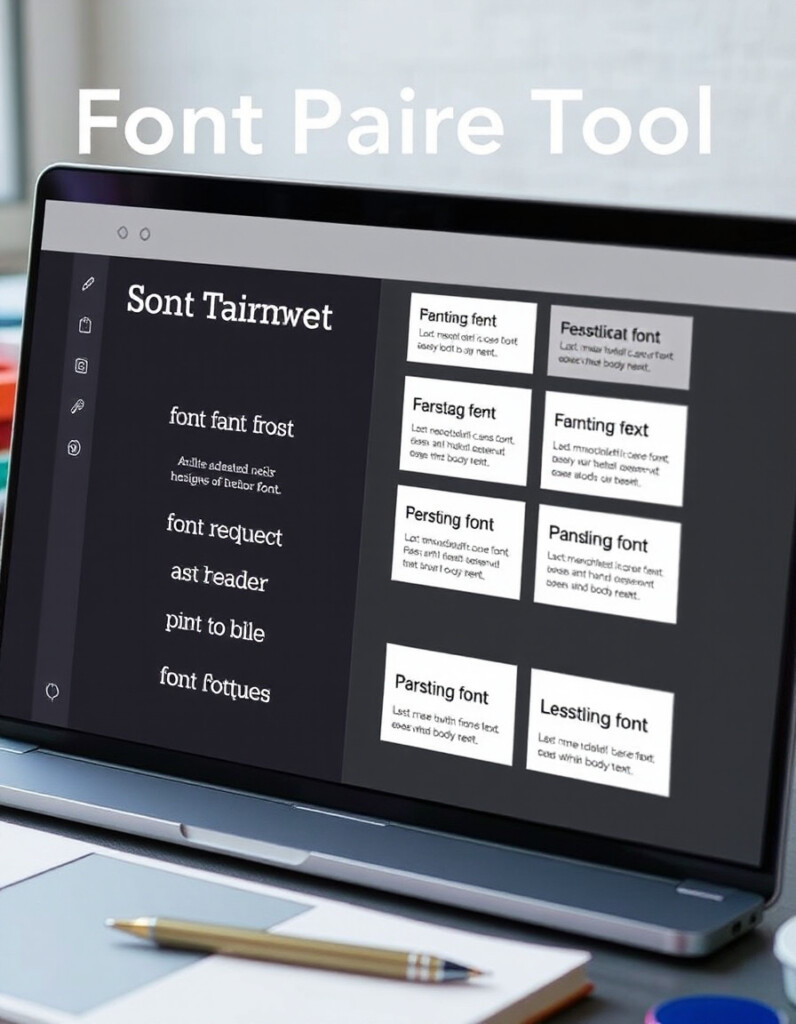
Font Pairing Tool
Introduction
Choosing the right font combinations for your designs can be challenging. The Font Pairing Tool simplifies this process, helping designers, marketers, and content creators find harmonious font pairs that enhance readability, aesthetics, and brand identity.
What the Font Pairing Tool Does
The Font Pairing Tool allows you to experiment with different font combinations quickly. By selecting a primary font, the tool suggests complementary secondary fonts, so your headings, subheadings, and body text work together seamlessly. This ensures that your design looks professional, visually balanced, and engaging.
How to Use the Font Pairing Tool & Why It’s Essential
How to Use the Tool
- Choose a Primary Font: Start by selecting a font you want for your main text or headings.
- Explore Suggested Pairings: The tool will generate a list of fonts that pair well with your primary choice.
- Preview in Context: Test the font combinations in sample text to see how they look in practice.
- Adjust Settings: Modify size, weight, or spacing to fit your design needs.
- Save or Export: Once satisfied, you can save your selected font pairings for use in websites, graphics, or documents.
Why It’s Worth Using
- Consistency: Maintains a unified style across all content.
- Efficiency: Saves time by instantly suggesting professional font pairings.
- Creativity: Inspires new combinations that you might not think of manually.
- Accessibility: Ensures readability by combining fonts that complement each other.
Whether you’re designing a website, creating marketing materials, or crafting a presentation, the Font Pairing Tool helps you make your text visually appealing while maintaining clear communication.


