Compact Multi-Element Keyframe Editor
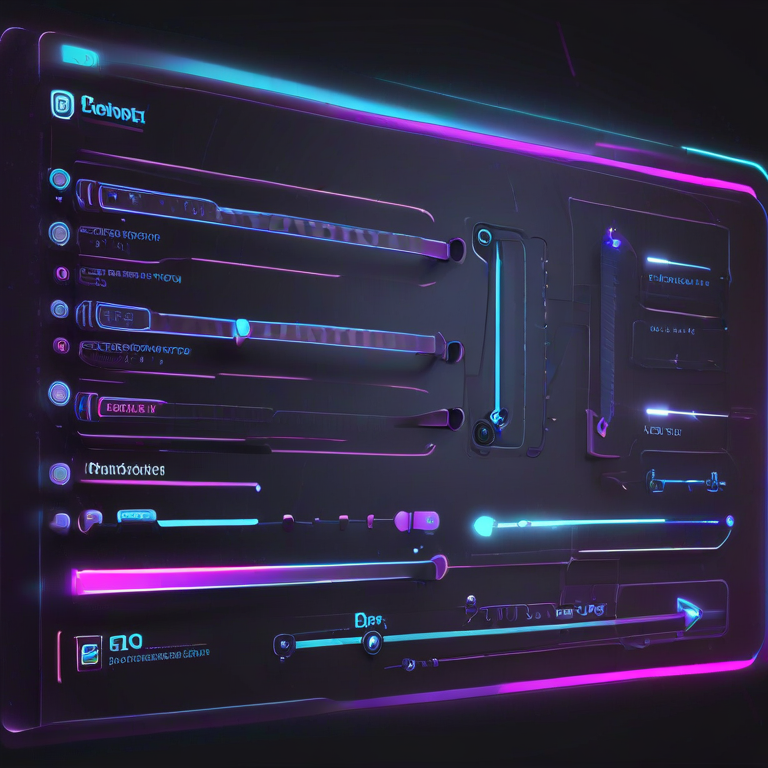
Designing smooth, precise animations for multiple elements can be challenging. The Compact Multi-Element Keyframe Editor allows web designers, UI developers, and interactive content creators to create, preview, and export CSS animations for multiple boxes with ease. It supports presets, custom keyframes, drag & drop, and instant live preview.
With this tool, you can assign different animations to each element, tweak timing, direction, and easing, and experiment with transformations like translate, rotate, scale, and opacity — all in a single interface. It’s perfect for prototyping micro-interactions or full-page animations.
Whether you’re animating buttons, images, or complex UI components, this editor provides real-time visual feedback and lets you export clean CSS code for direct use in your projects. Save your configurations, clone elements, and build sophisticated animations without writing all keyframes manually.
FAQs & Tips
-
Q: What is the Compact Multi-Element Keyframe Editor?
A: It is a web tool that allows you to create, preview, and export CSS animations for multiple elements with presets, custom keyframes, and live preview. -
Q: How do I add or clone elements?
A: Use the "+ Add Element" button to create a new box, or the "Clone Selected" button to duplicate the currently selected element. -
Q: Can I customize the animation timing and easing?
A: Yes, you can set duration, delay, iterations, direction, fill mode, and timing function for each element individually. -
Q: How do I create custom keyframes?
A: Select "Custom" in the preset dropdown, then enter your CSS keyframes in the textarea provided. Click "Apply & Play" to preview. -
Q: Can I export my animations?
A: Yes, use the "Export Selected" or "Export All" buttons to get the CSS code, or copy it directly from the export area. -
Q: Is there a live preview?
A: Yes, the preview stage updates instantly as you modify animations, allowing you to see changes in real-time. -
Q: Can I adjust transformations manually?
A: Yes, use the sliders for Translate X/Y, Rotate, Scale, and Opacity to fine-tune animations interactively.
Related Tools & Resources

🎬 CSS Animation Builder
Create and preview advanced CSS animations interactively with presets and keyframes.
🎛️ Cubic Bezier Generator
Design custom easing curves for smooth CSS transitions and animations.

🛠️ Interactive CSS Enhancer
Enhance stylesheets with live CSS tweaks, variables, and dark mode support.

🌙 Light-to-Dark CSS Generator
Automatically convert light-themed CSS into dark mode styles efficiently.

🟦 Border Radius Playground
Experiment with rounded corners, shapes, and CSS border-radius visually.

💨 Shadow Generator
Create CSS box-shadows and text-shadows interactively for modern UI effects.
🔧 Similar Tools
This tool is part of the educational resources published on RideWattly. Results should be used as a reference only and not as professional engineering advice.