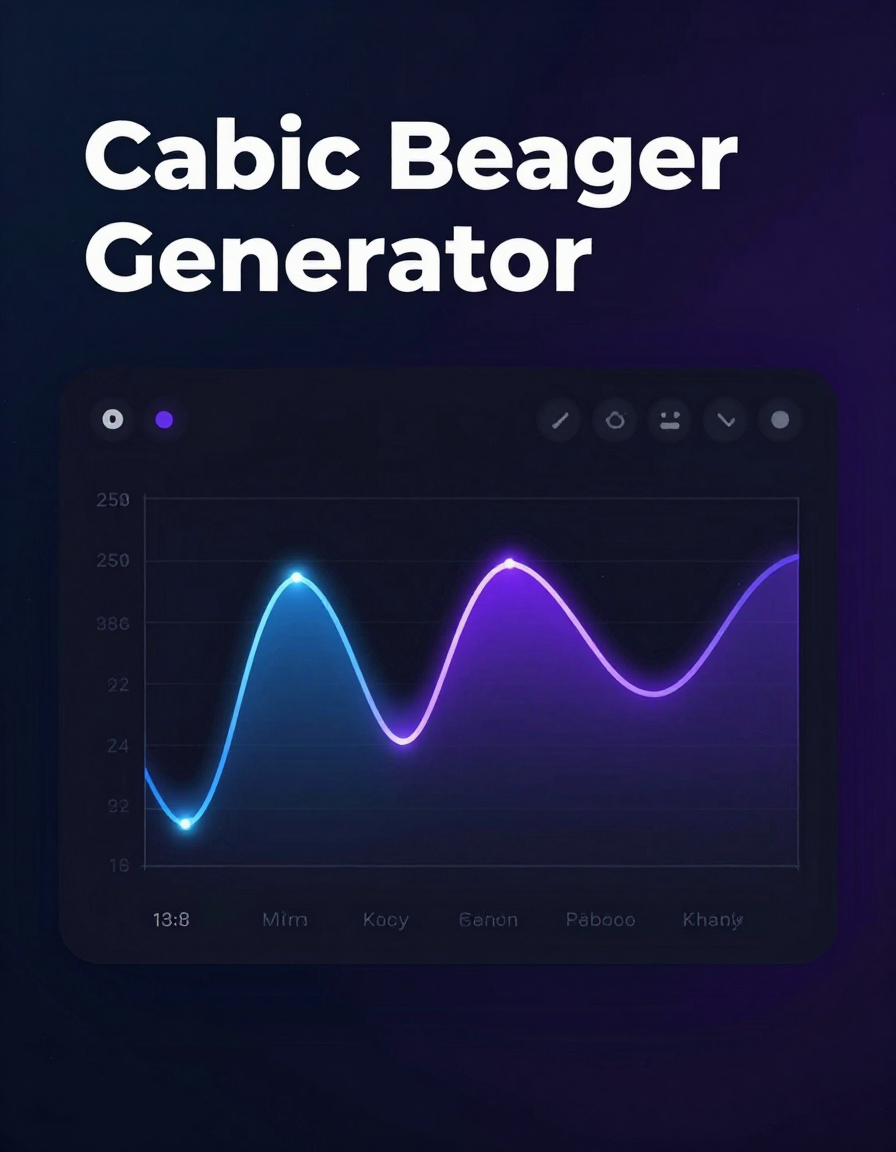
Cubic Bezier Generator Tool
Content:
The CSS Easing Generator is a powerful yet simple tool designed to help web developers and designers create smooth, visually appealing animations. With this tool, you can generate custom easing functions in CSS and immediately see a live preview of how the animation behaves. Here’s why and how you should use it:
What It Does
The tool allows you to create custom easing curves for CSS transitions. Instead of relying on standard options like linear or ease-in-out, you can craft a unique cubic-bezier curve that precisely controls the acceleration and deceleration of your animations.
Key Features
- Interactive Preview: See your animation in action before copying the code.
- Copy CSS: Instantly copy the generated CSS code and paste it into your project.
- Custom Presets: Quickly switch between common easing options like
linear,ease,ease-in,ease-out, andease-in-out. - Suggested Enhancements: Advanced users can export SVG paths, JS mapping functions, or even GIF/MP4 demos.
How to Use It
- Select or Adjust a Preset: Choose a predefined easing function or manually adjust the curve points.
- Preview Your Animation: Click the preview button to watch your element move according to the curve.
- Copy the Code: Copy the generated CSS and paste it into your transition property in your stylesheet.
- Integrate Smoothly: Apply the transition to elements on your webpage for enhanced interactivity and polished user experience.
Why You Should Use It
Using custom easing functions gives your animations a professional and natural feel. Instead of abrupt starts and stops, your elements flow smoothly, creating a more engaging and modern interface. This tool saves time by providing instant visual feedback and ready-to-use CSS.
With the CSS Easing Generator, you can experiment freely, refine animations for any element, and elevate the quality of your web projects effortlessly.


