Glassmorphism Card
rideWattly
Glassmorphism Generator — Blur, Frost & Glass UI Builder | RideWattly
Light Mode
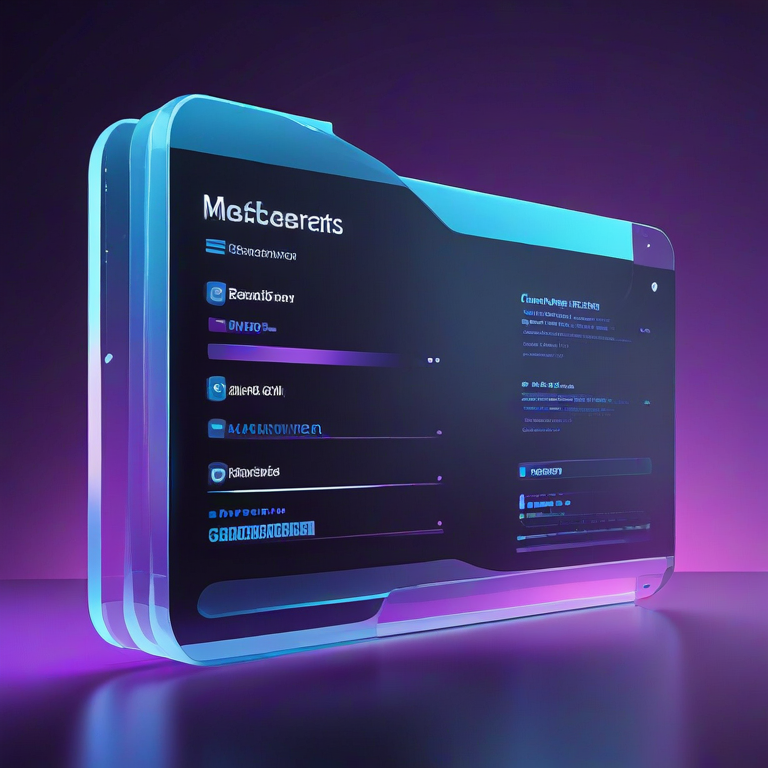
Create beautiful blur effects and frosted glass UI elements for modern web designs with RideWattly’s Glassmorphism Generator. This tool lets you easily adjust blur, transparency, border radius, shadows, and instantly preview results.
Export clean, production-ready CSS for modern interfaces including cards, modals, and buttons. Perfect for web designers, developers, and UI enthusiasts looking to create sleek, futuristic glass-like effects in seconds.
How to Use the Glassmorphism Generator
Using the Glassmorphism Generator is simple and intuitive. Adjust the sliders on the left panel to control key parameters:
- Blur: Control the background blur to achieve a soft frosted effect.
- Transparency: Adjust opacity to make elements more or less see-through.
- Border Radius: Round the corners of your cards, modals, or buttons.
- Border Transparency: Fine-tune the visibility of borders for subtle accents.
- Shadow Blur: Add depth and dimension to your elements with shadow intensity.
Preview the changes in real time on the right panel. Once satisfied, click Copy CSS to export clean code ready for your website or project.
Tips & Best Practices
To get the most out of your glass UI, follow these professional tips:
- Keep transparency around 15–30% for balanced visibility and readability.
- Use moderate blur (10–20px) to maintain clarity while achieving the frosted effect.
- Combine subtle shadow and border transparency to create depth without overpowering the design.
- Test your glass elements over different background images to ensure consistency.
- Use rounded corners for cards or buttons to enhance the modern glassmorphism look.
Experimenting with combinations of these settings will help you achieve a professional, polished, and modern UI quickly.
Why Glassmorphism Matters
Glassmorphism has become a staple in modern web and app design because it adds visual depth, clarity, and a sense of elegance to interfaces. Using glass-like elements allows users to focus on content while enjoying subtle, attractive design effects.
RideWattly’s Glassmorphism Generator empowers designers and developers to implement this trend effortlessly. By controlling blur, transparency, shadows, and borders, you can create UI elements that feel dynamic, modern, and professional without writing CSS from scratch.
Whether for personal projects, client websites, or app interfaces, understanding and applying glassmorphism enhances user experience, aesthetics, and engagement.
FAQs & Tips
-
It is an interactive tool that lets you create glass-like UI elements with adjustable blur, transparency, border radius, and shadows, generating ready-to-use CSS.
-
Use the sliders on the left panel to control blur and transparency levels in real time, immediately updating the preview on the right.
-
Yes! Click the Copy CSS button to instantly copy production-ready CSS for use in websites or apps.
-
You can design cards, modals, buttons, overlays, and any other elements where glassmorphism effects enhance the interface.
-
Yes, the tool allows you to test your glass UI elements on different background images to ensure clarity and readability.
-
Absolutely! RideWattly provides this tool freely for designers, developers, and UI enthusiasts.
Advanced FAQs & Pro Tips
-
Glassmorphism is a design trend that uses frosted glass-like elements with blur, transparency, and subtle shadows. It creates depth and elegance while keeping the UI modern and readable.
-
Use moderate blur (10–20px) and transparency around 15–30% to maintain legibility while achieving the frosted effect. Adjust depending on background complexity.
-
Yes, adjust the border radius slider to design cards, buttons, or modals with smooth corners for a sleek, modern glass effect.
-
Shadows add depth and separation from the background. Use subtle shadow blur and opacity to enhance realism without overpowering the glass effect.
-
Yes, you can test your glass elements over images, gradients, or solid colors to ensure clarity, readability, and aesthetic consistency.
-
Absolutely — click the Copy CSS button to get production-ready code for cards, modals, buttons, or any glass UI element.
-
Combine moderate blur, slight transparency, subtle shadows, and soft borders. Test on different backgrounds to maintain a natural frosted glass appearance.
-
Yes, it allows designers to experiment in real time, preview effects instantly, and copy clean CSS — saving time and improving design consistency.
Related Tools & Resources
🪟 Glassmorphism Generator
Create frosted glass UI elements with blur, transparency, and shadows for modern web design.

🌈 Gradient Background Generator
Design smooth gradient backgrounds for your UI with full control over colors and angles.
🎨 CSS Backdrop Filter Generator
Generate advanced backdrop filters like blur, brightness, and contrast for stunning glass effects.
🌙 Dark Mode Theme Builder
Easily create dark mode themes that complement glassmorphism and modern UI styles.
🧩 Neumorphism Generator
Create soft, tactile UI elements with shadows and highlights for a modern 3D feel.
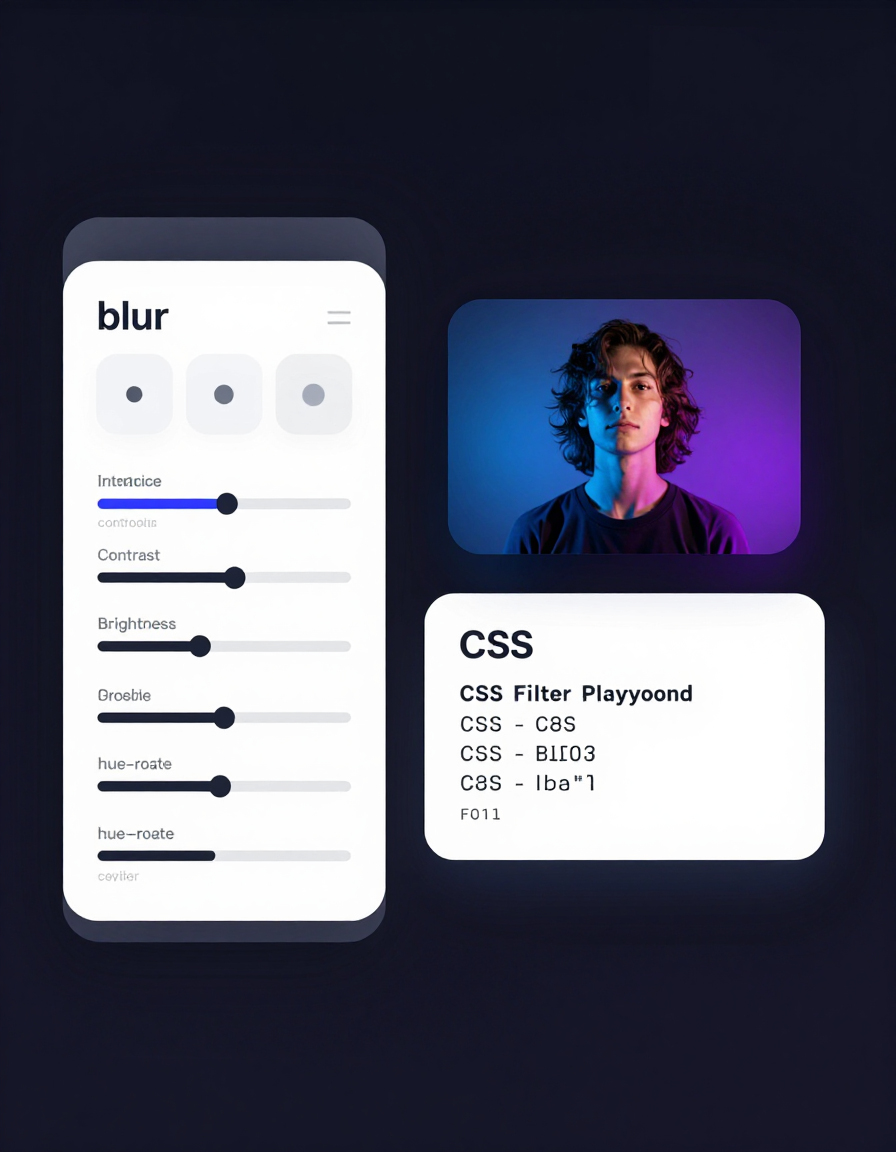
🎨 CSS Filter Playground
Experiment with CSS filters like blur, brightness, contrast, and saturation for UI effects.
🌈 Text Gradient Generator
Create vibrant gradient text effects for headings, buttons, and UI elements with ease.
💨 Shadow Generator
Easily design box shadows and text shadows for modern UI components and interactive elements.
🔧 Similar Tools
This tool is part of the educational resources published on RideWattly. Results should be used as a reference only and not as professional engineering advice.