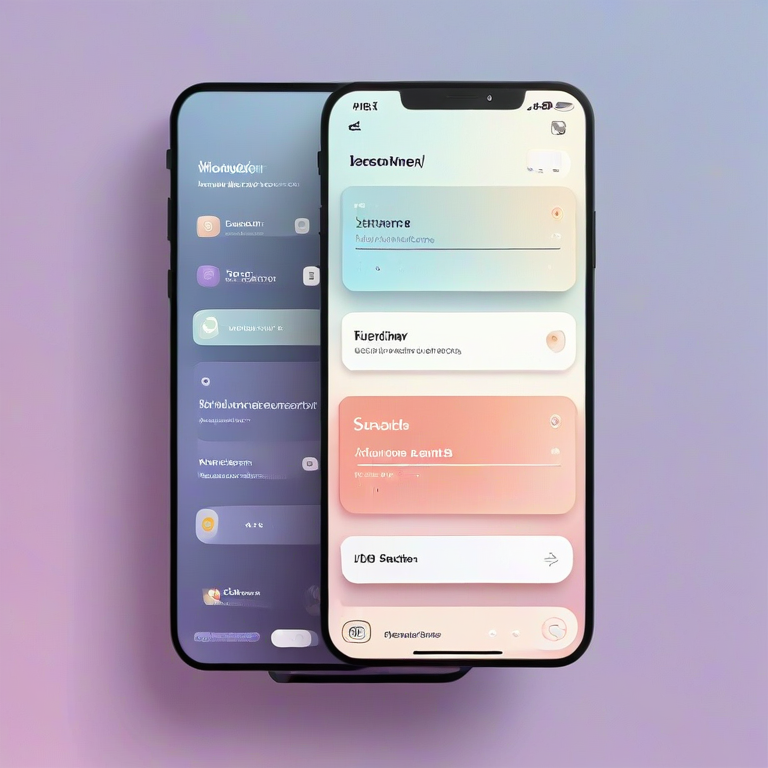
Neumorphism / Soft UI Generator
Neumorphism, also called Soft-UI, is one of the cleanest and most modern design styles used in web and app interfaces today. It blends subtle shadows, soft gradients, and smooth edges to create UI elements that feel tactile, minimalistic, and deeply polished.
The Neumorphism Generator at RideWattly allows you to create these soft UI components instantly, without writing any code manually. This guide explains what the tool does, how to use every feature, and why it’s a must-have for designers and developers.
Neumorphism Generator – Complete Soft-UI Design Tool Explained
What This Tool Offers
This generator is a complete Neumorphism builder including:
✔ Live Preview
Customize settings in real time and instantly see the results.
✔ Soft-UI Shadows (Inner & Outer)
Control elevation, blur, distance, light and dark shadow colors.
✔ Full Color Customization
Change background, accent colors, and adjust opacity for depth effects.
✔ Built-in Presets
- Glass – translucent, frosted-glass style
- Colorful – bright, energetic soft-UI
- Soft-Tone – gentle pastel-like neumorphism
Each preset sets all values instantly.
✔ Saved Presets (localStorage)
You can save your own custom styles and reuse them later. Saved presets include every parameter you configured.
✔ Advanced Tools
- Copy All Settings as JSON
- Export Presets to a
.jsonfile - Import Presets from your computer
These features are perfect for moving styles between projects.
✔ CSS Output Panel
The tool automatically generates ready-to-use CSS code based on your current settings.
You can copy it with one click, and paste it directly into your project.
✔ Reset All Settings
Return to default neumorphic values instantly.
Ready-Made Elements You Can Generate
The tool includes automatic element builders:
- Soft-UI Box
- Neumorphic Button
- Neumorphic Card
Each element is created with the exact shadow values you selected, and the full HTML/CSS code is displayed for easy copy-paste.
Export as HTML + CSS
With one click, you can download a complete working HTML file with your custom neumorphic element already included. This is extremely useful if you want to:
- Add the element to a website
- Test the design in a live environment
- Share components with developers
No manual coding required — the tool does it for you.
How to Use the Neumorphism Generator
1. Choose the Background Color
Start by selecting the main background color, as neumorphism depends heavily on contrast between shadows and the base surface.
2. Adjust Shadows
Modify:
- Light shadow color
- Dark shadow color
- Blur strength
- Shadow distance
- Opacity
You will immediately see how the element transforms into a soft 3D shape.
3. Use Presets or Save Your Own
Instantly switch design styles with built-in presets, or save your own preferred configurations.
4. Copy or Export CSS
When satisfied, scroll to the CSS Output section and copy the full code.
Or choose the HTML + CSS export option for a downloadable file.
5. Generate Ready Elements
Create buttons, cards, or boxes with one click and paste them into your project.
Why You Should Use This Tool
1. Save Time
Instead of manually calculating shadows, you can visually adjust everything in seconds.
2. Consistent Design
Neumorphism requires precise shadow balancing. The generator ensures consistent results.
3. Perfect for Modern UI/UX
Soft-UI is widely used in:
- Dashboards
- Mobile apps
- Smart home interfaces
- Clean minimal websites
- Product landing pages
4. Zero Code Knowledge Needed
Just adjust the sliders and copy the code. Anyone can use the tool.
5. Free and Unlimited
All features — exports, presets, ready elements, previews — are 100% free.
Conclusion
The Neumorphism Generator on RideWattly is one of the most complete Soft-UI creation tools available online. It gives designers and developers full power to craft elegant, modern neumorphic components with total control. Whether you want a simple button or a full neumorphic interface, this tool provides everything you need — quickly, visually, and without writing complicated CSS.