Pro CSS Button Generator
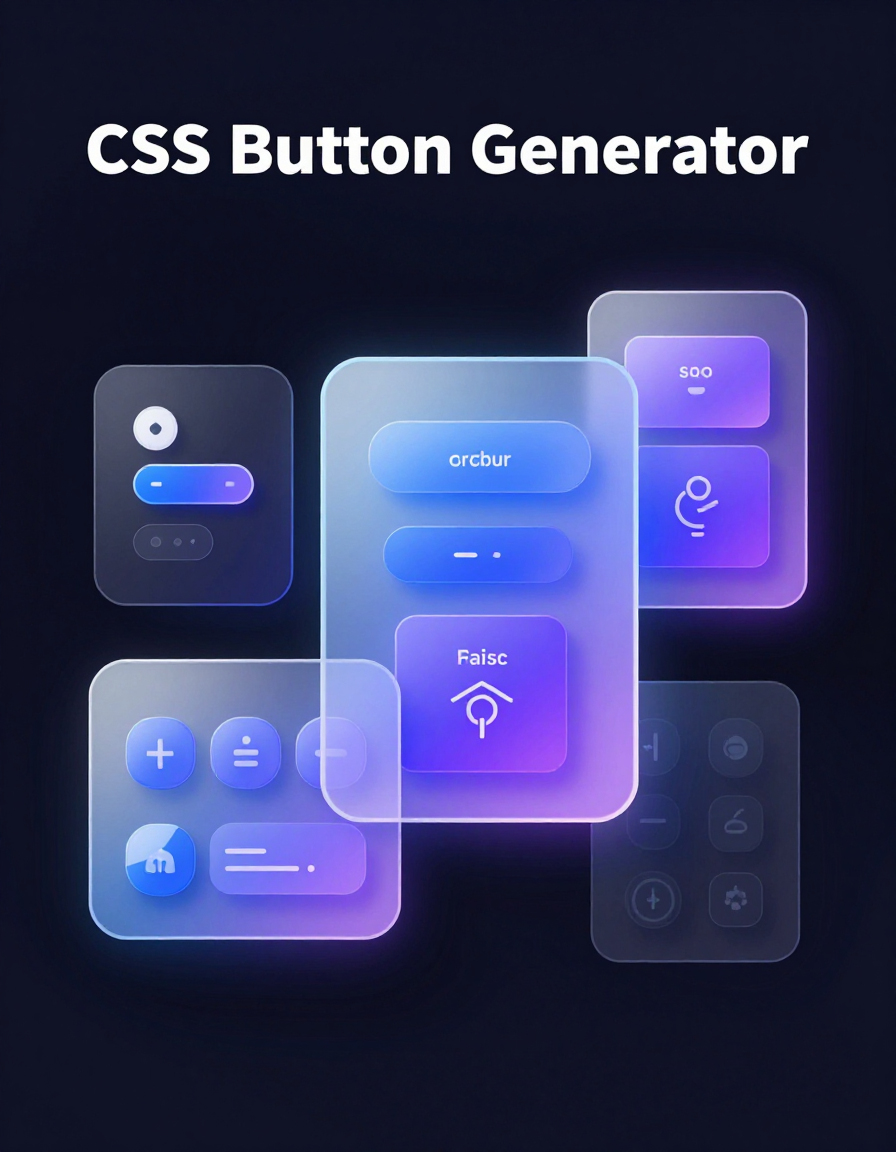
Designing modern, responsive buttons for websites or apps has never been easier. Buttons are more than just clickable elements — they guide users, enhance UI, and reflect your brand’s style. With precise control over colors, gradients, shadows, typography, hover effects, and animations, you can craft buttons that look professional and perform flawlessly across devices.
RideWattly’s Pro CSS Button Generator empowers designers, developers, and hobbyists to instantly preview, tweak, and generate clean CSS code for any type of button. Adjust every detail, from font weight and letter spacing to shadow blur and hover animation, without writing a single line of code manually.
Whether you’re building a landing page, a dashboard, or a full web application, this tool helps you create visually appealing buttons that enhance user interaction and maintain consistent style across your projects.
Customize every aspect of your button: colors, shadow, gradient, typography, icon, size, hover and ripple animations.
Generated CSS:
FAQs & Tips
-
Q: What is the Pro CSS Button Generator?
A: It is an interactive tool that allows you to create custom CSS buttons with gradients, shadows, hover effects, typography, and animations without coding manually. -
Q: Can I customize hover animations?
A: Yes, you can choose from scale, shadow, rotate, or none for the hover effect of your button. -
Q: How do I apply gradients and shadows?
A: Use the color pickers for background colors and shadow settings, adjust the gradient angle and shadow offsets to see live previews instantly. -
Q: Can I export the button code?
A: Yes, click "Copy CSS" to copy just the CSS or "Export HTML/CSS" to get a full code snippet including the button HTML. -
Q: Is it possible to embed this tool on my website?
A: Yes, copy the iframe code from the "Embed This Tool" section and paste it into your website HTML. -
Q: Can I toggle between light and dark mode?
A: Yes, use the switch at the top of the tool to toggle light or dark theme instantly.
Related Tools & Resources
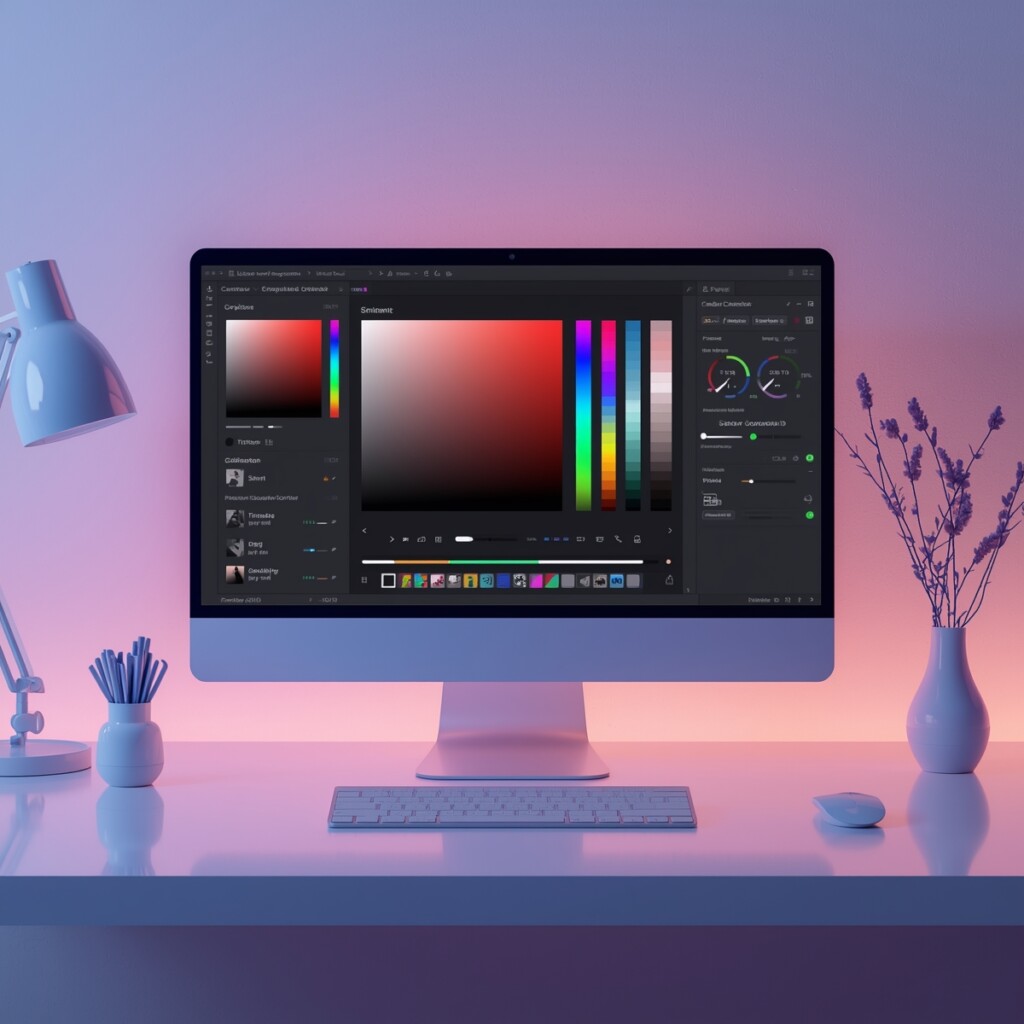
🎨 Gradient Palette Generator
Create perfect color gradients for buttons, backgrounds, and UI elements.

💨 Shadow Generator
Design button shadows and text shadows with live preview and CSS output.
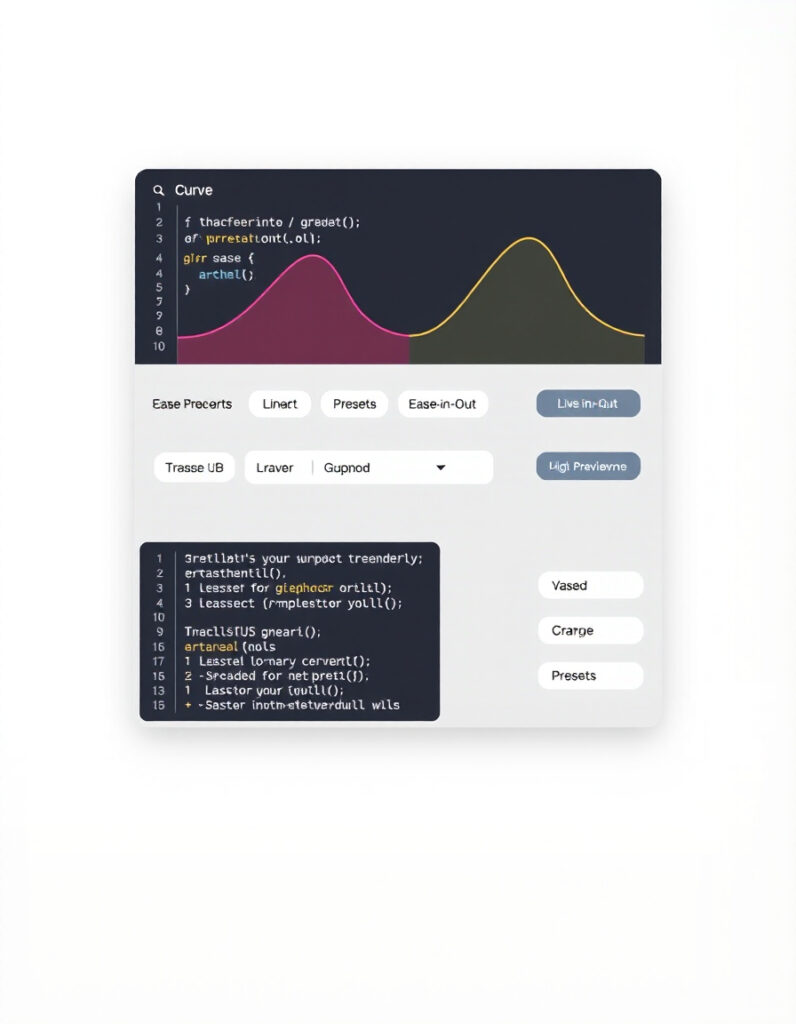
🎛️ Cubic Bezier Generator
Customize smooth hover and click animations for your CSS buttons.

🎬 CSS Animation Builder
Create interactive animations for buttons, icons, and UI elements.

🟦 Border Radius Playground
Experiment with border radius settings for rounded buttons and elements.
🌙️ Light-to-Dark CSS Generator
Convert your button and UI styles between light and dark themes instantly.
🔧 Similar Tools
This tool is part of the educational resources published on RideWattly. Results should be used as a reference only and not as professional engineering advice.