🎨 Font Pairing Tool — Dropdown Autocomplete
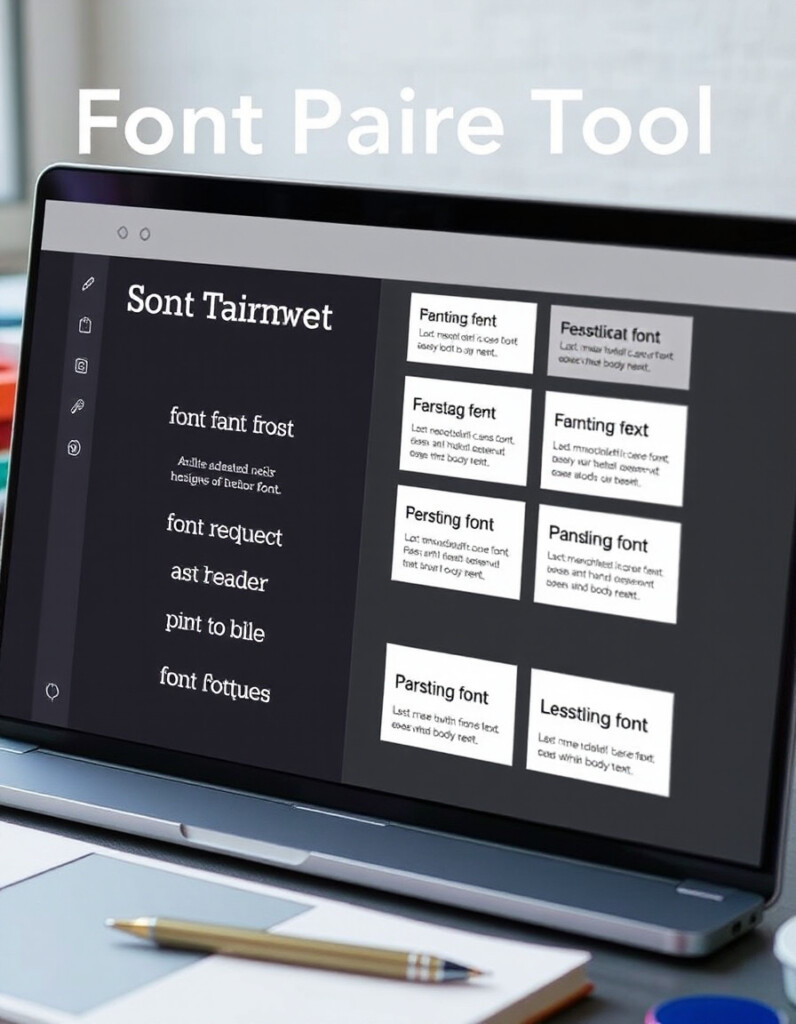
Choosing the right font combinations can dramatically improve the readability and aesthetic of your website, app, or design project. With hundreds of Google Fonts available, finding harmonious pairings for headings and body text can be time-consuming and overwhelming.
RideWattly’s Font Pairing Tool simplifies this process by providing smart dropdown autocomplete, live preview, and instant CSS output. Designers and developers can quickly search, test, and select fonts that complement each other without leaving the tool.
Whether you're designing a minimal landing page, a vibrant blog, or a complex web application, this tool gives you instant insights into how fonts interact, including color and style choices, so you can create polished, professional typography with confidence.
Favorites
FAQs & Tips
-
The Font Pairing Tool helps designers and developers quickly find harmonious font combinations for headings and body text, with live preview and CSS output.
-
As you type a font name, the tool suggests matching fonts from Google Fonts, making it faster to search and select suitable pairings.
-
Yes, you can select custom colors for both heading and body fonts using the color pickers provided.
-
Absolutely! You can add any pairing to your favorites and copy all CSS for easy use in your projects.
-
Yes, RideWattly provides this tool free of charge for designers, developers, and anyone working on web typography.
-
Yes, the tool includes an embed code that you can copy and paste into your website’s HTML for full functionality.
-
Yes, the tool displays all available weights and styles for each selected font, helping you visualize the final design.
-
The tool suggests compatible font pairings based on typographic principles like contrast, x-height, and style harmony.
-
Yes, the tool works for both web and print design. You can preview fonts and copy CSS, or use the font names in your design software.
-
While the tool focuses on Google Fonts, you can manually type other font names to test pairings, but live preview may be limited.
-
Yes, the live preview allows you to experiment with line-height, letter-spacing, and paragraph spacing for optimal readability.
-
Absolutely! You can toggle dark mode to see how your font combinations look on dark backgrounds.
Advanced FAQs & Pro Tips
-
Look for contrast in weight, style, or x-height. Pair a bold heading font with a lighter, readable body font for balance.
-
Use clear sans-serif fonts for body text, maintain sufficient font size and line-height, and check color contrast against the background.
-
Yes, combining a serif heading with a sans-serif body font is a classic approach, creating hierarchy and readability.
-
Use the tool’s color pickers to try different heading and body colors, and preview them in both light and dark modes to ensure accessibility.
-
Yes, usually 2-3 fonts per project is sufficient. Too many fonts can make the design feel cluttered and inconsistent.
-
Yes, the live preview adapts to different screen sizes, helping you check readability on desktop, tablet, and mobile.
-
Experiment with bold, italic, or light variations for headings and body text to create emphasis without reducing readability.
-
Yes, you can add pairings to favorites and copy all CSS, making it easy to implement in your projects.
-
Use larger font sizes, heavier weights, or distinct font families for headings to clearly differentiate them from body text.
-
Stick to Google Fonts or widely supported web fonts and check preview in multiple browsers to avoid rendering issues.
-
Yes, but use decorative or display fonts sparingly for headings; maintain clean, readable body fonts for the main content.
-
Choose fonts that reflect your brand personality and ensure consistency across all pages and marketing materials.
Related Tools & Resources
🔤 Font Pairing Tool
Create harmonious font combinations for headings, body text, and branding.

🎨 Ultimate Color Spectrum Explorer
Visualize and choose color palettes that perfectly complement your designs.
🎨 Gradient Palette Generator
Generate smooth gradient palettes for web, UI, and graphics projects.
💨 Text Shadow Typography
Add professional shadows and effects to your headings and body text.
🔤 Typography Scale Generator
Create modular font scales for responsive design and consistent hierarchy.

🌙 Light-to-Dark CSS Generator
Automatically convert light mode designs to dark mode with optimized CSS.
🎨 CSS Backdrop Filter Generator
Easily create blur, brightness, and transparency effects for modern UI designs.
🪟 Glassmorphism Generator
Generate sleek frosted glass UI components with customizable blur and transparency.
🔧 Similar Tools
This tool is part of the educational resources published on RideWattly. Results should be used as a reference only and not as professional engineering advice.