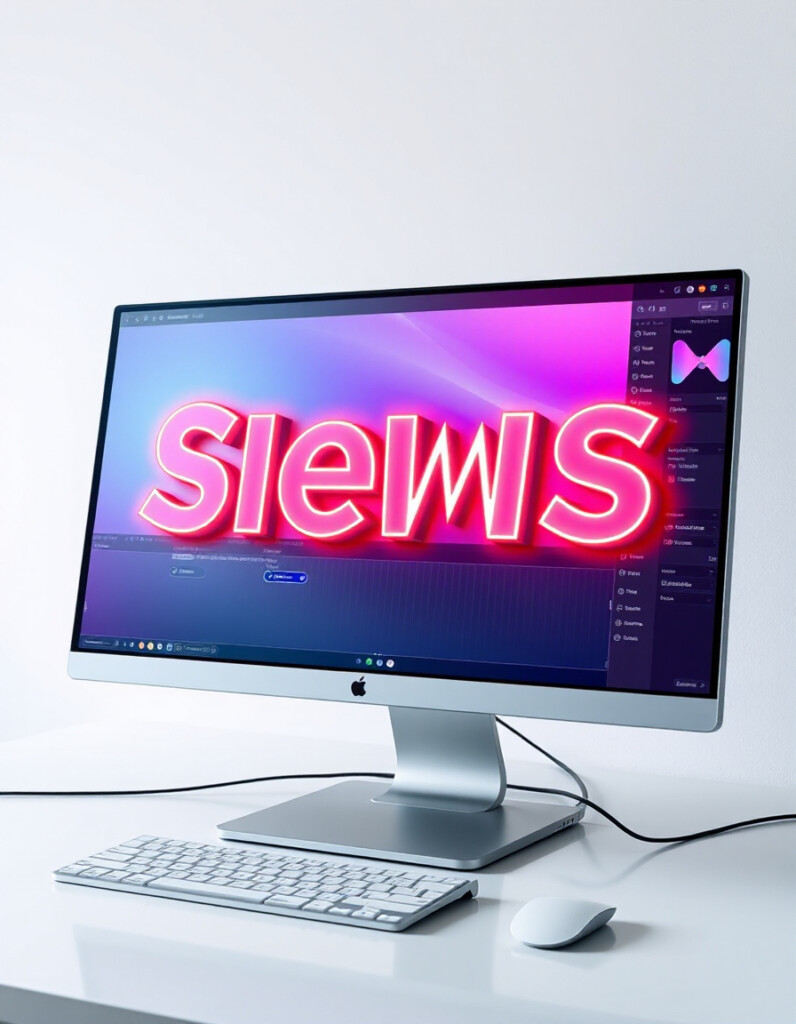
Text Shadow Typography
Text Shadow Typography Tool by RideWattly is a powerful online utility designed to help designers, developers, and content creators enhance their typography with advanced text shadow effects. Whether you want subtle depth, layered shadows, neon glow, or dynamic 3D text, this tool gives you complete control—all without writing a single line of CSS manually.
Key Features
- Live Preview: See your text transformations instantly as you tweak shadows.
- Layered Shadows: Add multiple layers of shadows for a 3D or embossed effect.
- Presets: Quickly apply pre-made styles like Neon Glow, Soft Shadows, 3D Layered, or Embossed text.
- Customizable Shadows: Adjust X-offset, Y-offset, blur, and color for each layer.
- CSS Copy & Download: Instantly copy the generated CSS or download it for use in your projects.
- Dynamic Effects: Advanced versions include animated glow or pulsating neon effects for modern web designs.
Why Use the Text Shadow Typography Tool?
- Time-Saving: No need to experiment manually with complex CSS syntax.
- Creativity: Explore multiple styles, mix shadow layers, and experiment with colors in real-time.
- Professional Designs: Perfect for website headings, banners, logos, or social media graphics.
- Responsive & Modern: Works on all screen sizes and supports modern web design aesthetics.
How to Use It
- Type your text in the input field.
- Add one or multiple shadow layers by specifying offsets, blur, and color.
- Apply one of the preset styles for instant effects.
- Adjust layers manually to fine-tune the look.
- Copy the generated CSS to your project or download it as a file.
- Optionally, explore animated neon or pulsating effects for dynamic designs.
With this tool, even beginners can produce professional-quality text effects in seconds, making it an essential addition to any designer’s toolkit.


