Mastering Throttle Response: How to Use the Throttle Response Curve Tool
Understanding how your electric bike or scooter responds to throttle input can make a huge difference in ride comfort, efficiency, and control. The Throttle Response Curve Tool is designed to help riders visualize and fine-tune how their throttle input translates into motor output.
What the Tool Does
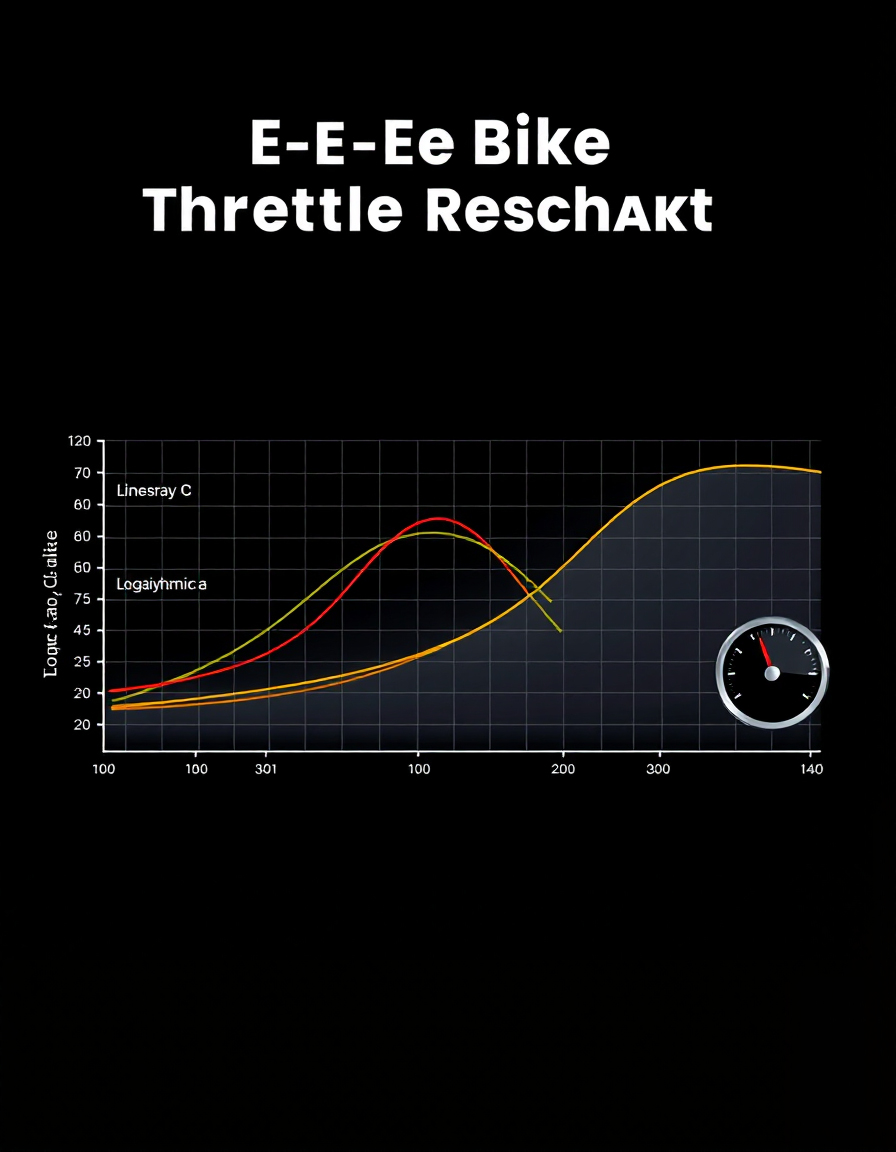
The tool provides a real-time, interactive graph that maps throttle input (0–100%) on the X-axis to output/perceived power on the Y-axis. It allows riders to:
- Visualize throttle response instantly.
- Adjust curves to match personal riding preferences.
- Simulate different behaviors like smooth acceleration, sharp punch, or progressive start.
Key parameters include:
- Curve Type
- Linear: Direct 1:1 mapping of input to output.
- Logarithmic: Gentle initial acceleration, more responsive at higher input.
- Parabolic: Tunable curve for more precise control over acceleration intensity.
- Curve Strength / Exponent (Parabolic)
- Adjusts how steep or gentle a parabolic curve reacts. A higher value makes the throttle more aggressive at higher inputs.
- Deadzone
- Defines the minimum throttle input required before any output is applied. Useful for avoiding unintentional motor activation.
- Smoothing (Response Lag)
- Introduces a small delay in output to simulate real-life throttle “feel” or reduce abrupt power spikes. Ideal for making acceleration feel more natural and controllable.
- Invert Output
- Flips the response curve for custom applications or testing alternative mappings.
How to Use the Tool
- Set the Throttle Input
- Use the slider at the bottom to simulate throttle movement from 0% to 100%.
- Choose a Curve Type
- Select Linear, Logarithmic, or Parabolic depending on the ride style you want to test.
- Adjust Strength and Deadzone
- Tune the parabolic exponent or deadzone percentage to refine sensitivity.
- Apply Smoothing
- Increase smoothing (in milliseconds) to soften acceleration response. Decrease it for a more instant reaction.
- Observe the Graph
- The blue line shows the actual output curve.
- The moving dot represents your current input and perceived output.
- “Feel” bar indicates slope intensity: higher slopes mean a punchier throttle response.
- Test and Iterate
- Experiment with different settings until you find the throttle behavior that feels most natural for your riding style.
Why Use It
- Better Ride Comfort: Smooth throttle transitions reduce jerky acceleration, especially on urban streets or trails.
- Performance Tuning: Customize throttle responsiveness for racing, commuting, or off-road scenarios.
- Safety: Understand how your bike reacts at low vs. high throttle inputs to prevent sudden power spikes.
- Educational Insight: Learn how throttle mapping and response curves affect real-world motor behavior.
Summary:
The Throttle Response Curve Tool transforms abstract throttle numbers into a visual and interactive experience. By adjusting curves, deadzone, and smoothing, riders gain precise control over how their electric bike or scooter accelerates, improving comfort, performance, and overall ride satisfaction.