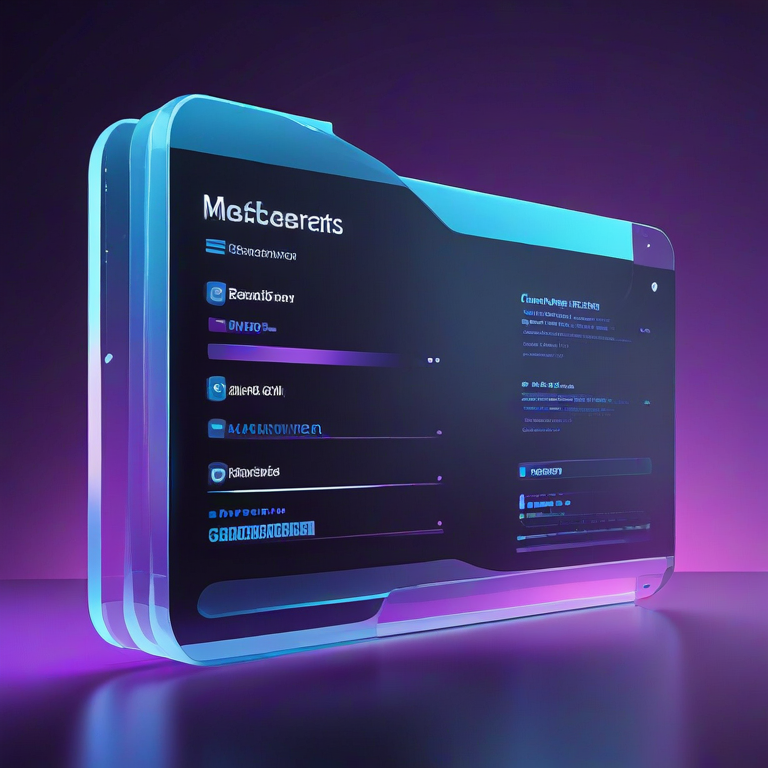
Glassmorphism Generator
In modern web design, glassmorphism has become a popular trend for creating sleek, frosted-glass-like UI elements. It adds depth and elegance to interfaces, giving them a semi-transparent, blurred effect that stands out. Our Glassmorphism Generator allows designers, developers, and enthusiasts to easily create and customize these effects in real-time.
The generator provides an interactive interface to create glass-style cards with the following adjustable parameters:
Introduction
What the Glassmorphism Generator Does
- Blur – Controls the intensity of the frosted-glass effect. Increasing the blur makes the background behind the card more diffused, creating the classic glassy look.
- Transparency – Adjust the card’s opacity to make it more or less see-through. Lower values make the card more transparent, allowing background details to shine through.
- Border Radius – Modify the corner roundness of the card. Smooth corners enhance the modern feel, while sharper corners create a more rigid style.
- Border Transparency – Fine-tune the opacity of the card’s border to make it subtle or pronounced, complementing the glass effect.
- Shadow Blur – Add depth by controlling the shadow behind the card. Larger values create a more floating, elevated look.
All these adjustments are real-time, allowing you to instantly see how each change affects your design.
Why Use This Tool
- Saves Time: Instead of manually writing CSS and experimenting, you can visually adjust settings and immediately see results.
- Perfect for UI/UX Designers: Quickly prototype glass-style cards for apps, dashboards, or websites.
- Responsive Design: The generated CSS works on any screen size, making it ideal for web and mobile projects.
- Copy CSS Instantly: Once satisfied, copy the CSS directly from the tool and paste it into your project without additional tweaks.
How to Use the Glassmorphism Generator
- Select Blur: Move the slider to increase or decrease the frosted effect.
- Adjust Transparency: Control how see-through your card should be.
- Set Border Radius: Choose between sharp or rounded corners.
- Tweak Border Transparency: Decide how subtle or noticeable the border should be.
- Modify Shadow Blur: Give your card a realistic floating effect.
- Preview: Watch your adjustments in real-time against the background.
- Copy CSS: Click the “Copy CSS” button to get the ready-to-use code for your project.
Conclusion
The Glassmorphism Generator is an essential tool for modern web designers. It simplifies creating stylish, frosted-glass UI elements while providing full control over every visual parameter. Whether you’re designing a landing page, a dashboard, or an app interface, this tool helps you produce professional-looking glass effects quickly and efficiently.


