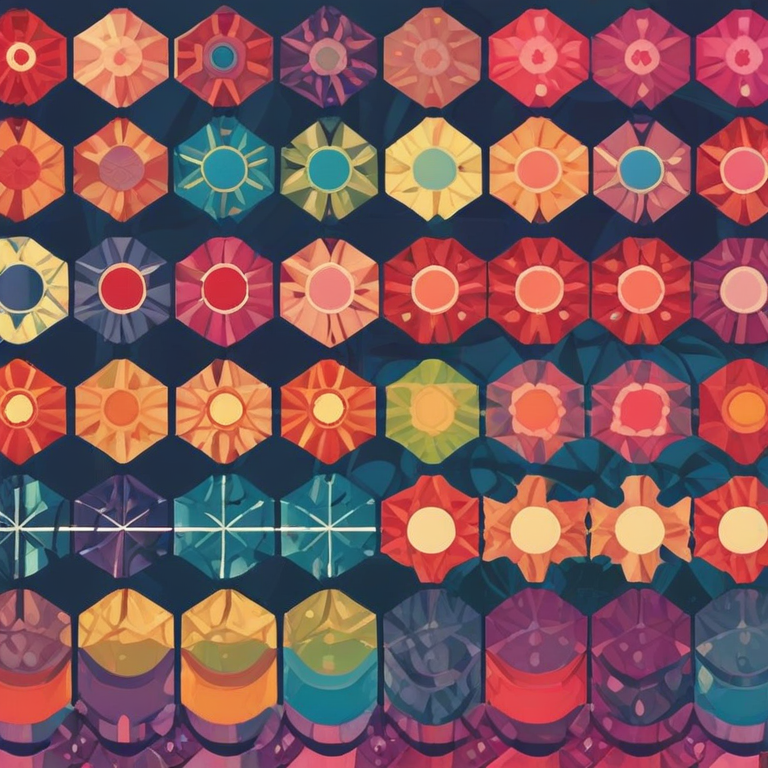
Pattern Background Generator
Creating visually appealing backgrounds for websites, apps, or digital designs can be a tedious task—especially when you want repeating patterns that are unique, flexible, and professional-looking. Our Pattern Background Generator simplifies this process by providing an interactive tool that allows you to generate custom SVG-based patterns with ease.
The Pattern Background Generator is a web-based tool that lets you create repeating background patterns in real-time. You can select from multiple pattern types, adjust colors, modify the size and spacing of pattern elements, and control the opacity. The result is a seamless background pattern that you can directly apply to websites, apps, or design projects.
Introduction
What is the Pattern Background Generator?
Why Use It?
- Save Time: No need to manually create repeating patterns in graphic software or write CSS from scratch.
- Flexible Design: Choose from various patterns like dots, stripes, grids, hexagons, triangles, concentric circles, waves, and more.
- Instant Preview: See your pattern live in the preview panel before exporting it.
- Customizable: Adjust colors, size, spacing, and opacity easily with sliders and color pickers.
- Direct CSS Export: Copy the generated CSS code for immediate use in your project.
How to Use the Tool
- Select a Pattern Type: Choose from dots, grids, stripes, diagonal lines, hexagons, triangles, concentric circles, waves, and more.
- Pick Colors:
- Primary Color: The main color of the pattern elements.
- Secondary / Background Color: The color that fills the space behind the pattern.
- Adjust Size and Spacing: Use sliders to define the size of each pattern element and the spacing between them.
- Set Opacity: Control transparency for subtle or bold patterns using the opacity slider.
- Preview in Real-Time: The live preview updates instantly as you adjust settings.
- Export CSS: Once satisfied, click Copy CSS to get a ready-to-use CSS snippet for your website or project.
Tips for Best Results
- Combine complementary colors to create visually appealing backgrounds.
- Use subtle opacity for patterns behind text to maintain readability.
- Experiment with different sizes and spacing to achieve a modern, clean look.
- Try multiple pattern types to see which works best with your project design.
Conclusion
The Pattern Background Generator is an essential tool for designers, developers, and digital creators who want to produce professional repeating patterns quickly and efficiently. By combining multiple customization options with instant preview and easy CSS export, this tool saves time and enhances the creativity of your projects.
With this generator, even beginners can create stunning patterns without needing advanced design skills, while professionals can fine-tune the details to perfectly match their branding or aesthetic vision.


