Plagiarism Checker Lite
Plagiarism Checker Lite: How to Use and Why You Need It
In today’s digital world, ensuring that your content is original is crucial for maintaining credibility, avoiding copyright issues, and improving SEO rankings. Plagiarism Checker Lite is a simple, fast, and effective tool that helps writers, students, and content creators check their text for duplicated content.
How to Use Plagiarism Checker Lite
- Paste Your Text: Copy your content into the text area. The tool works for short paragraphs, essays, or long-form articles.
- Set Similarity Threshold: Use the slider to set the similarity threshold (10%-100%). The tool will flag sentences with similarity above this value.
- Run the Check: Click the “Check” button. The tool analyzes each sentence locally in your browser and calculates similarity scores.
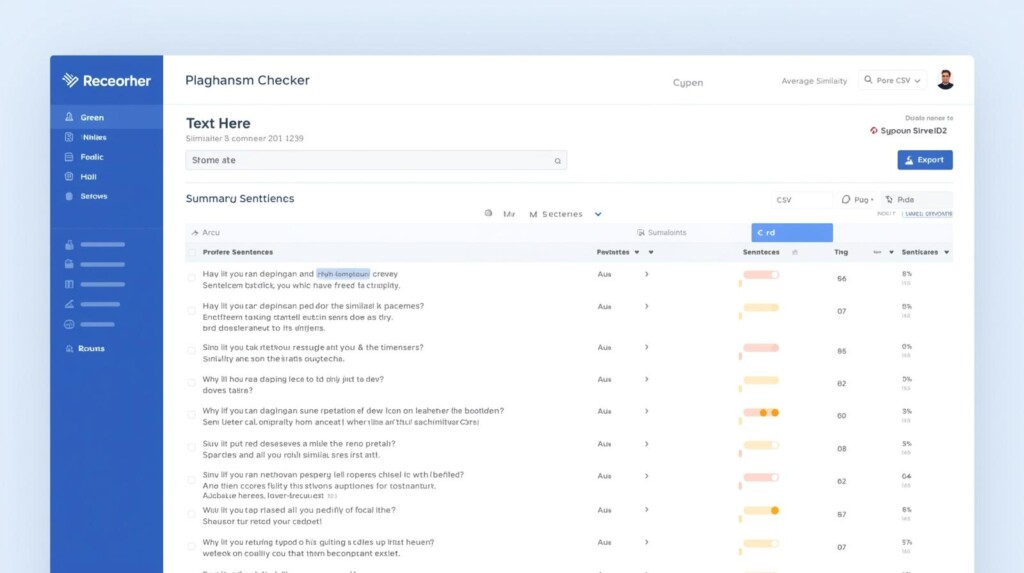
- Review Results: Sentences are highlighted with colors representing similarity:
- Green: Low similarity
- Yellow: Moderate similarity
- Orange: High similarity
- Red: Very high similarity
- Export Results: You can export your results as CSV for spreadsheets or PDF with all colors and highlights intact.
Why You Should Use Plagiarism Checker Lite
- Quick and Private: No API or server required; all processing happens locally in your browser.
- Visual & Intuitive: Color-coded sentences and mini bars make it easy to spot duplicated content.
- Detailed Analysis: Each sentence shows a similarity percentage and related matches for easy review.
- Export Options: Save results for documentation or reporting purposes.
- Ideal for Everyone: Writers, bloggers, students, teachers, and content creators can all benefit from ensuring originality.
Plagiarism Checker Lite makes the process of verifying text fast, visual, and actionable without complicated setups or subscriptions. It’s a must-have tool for anyone producing digital content.


