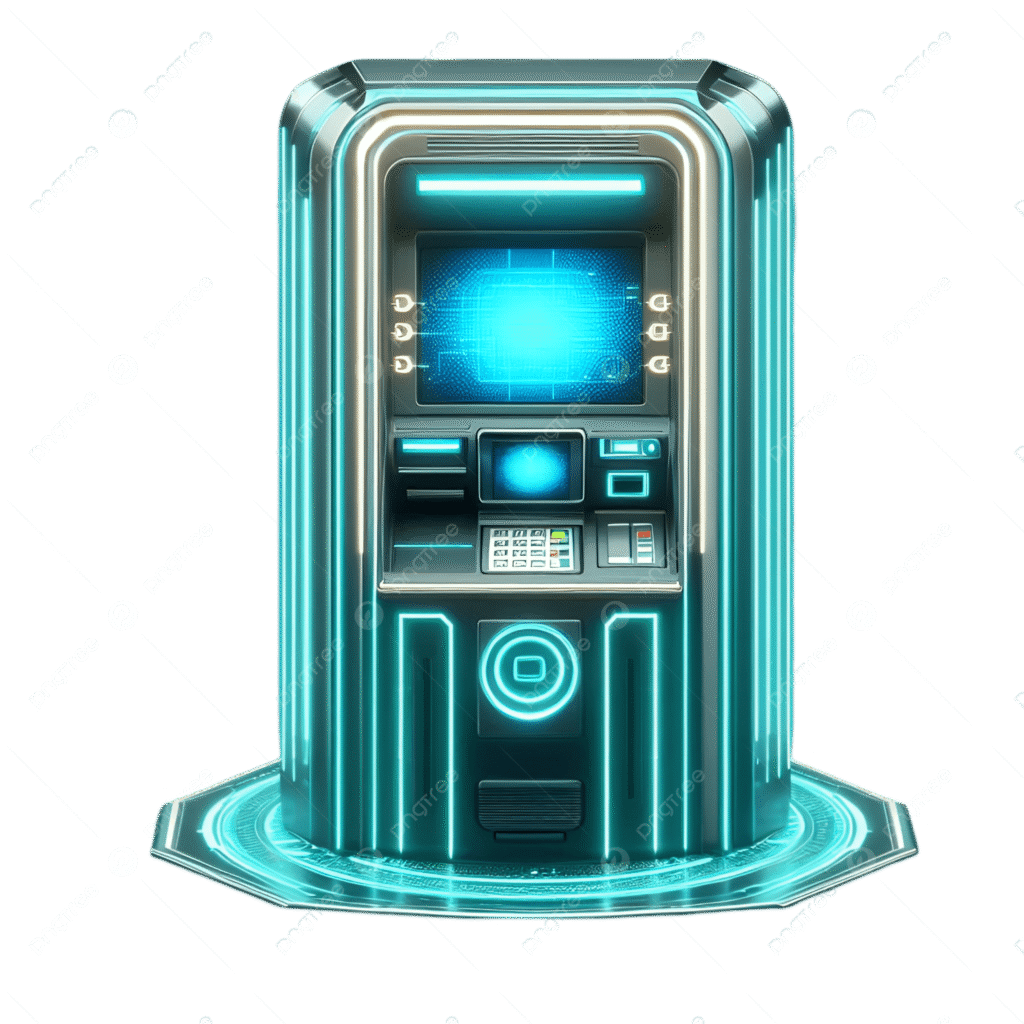
🔍 How to Use the Futuristic 3D ATM Simulator and Why It’s Worth Your Time
In the digital era, banking and financial literacy are becoming more interactive and engaging. The Futuristic 3D ATM Simulator offers a unique way to experience realistic ATM interactions directly from your browser, providing both educational and entertainment value. Whether you’re a student learning about money management, a developer exploring UI animations, or simply curious about how ATMs work, this tool makes the experience fun and immersive.
This simulator replicates the core features of a real ATM, including:
What the Futuristic 3D ATM Simulator Does
- Card Insertion – Insert your virtual card to initiate the ATM session, complete with realistic sound effects.
- PIN Entry – Enter a 4-digit PIN to authenticate and unlock your account.
- Balance Display – Check your current balance in a visually appealing way.
- Deposits and Withdrawals – Simulate depositing and withdrawing cash. The simulator provides interactive notes and receipts for each transaction.
- Cash Animation – Watch bills float out of the machine or be deposited with lifelike animations.
- Light/Dark Mode – Switch between futuristic light and dark modes for a more comfortable viewing experience.
- Audio Feedback – Hear sound effects for card insertion, key presses, successful transactions, and errors for a fully immersive experience.
How to Use the ATM Simulator
Using the simulator is simple and intuitive:
- Insert Your Card – Click and hold the card in the card slot. You’ll hear a sound effect, and the PIN screen will appear.
- Enter Your PIN – Type your 4-digit PIN using the on-screen keypad. Press “OK” to proceed or “C” to clear.
- Check Your Balance – Once authenticated, your balance will appear. This gives you an overview of your funds before making a transaction.
- Choose Transaction Type – Decide whether to deposit or withdraw money. Enter the desired amount and select your preferred bill denominations ($20, $50, $100).
- Watch the Cash in Action – When withdrawing, bills will appear in the cash slot with realistic floating animations. Deposits are processed similarly, adding to your balance and providing a receipt.
- Switch Themes – Use the theme toggle to switch between light and dark modes, depending on your preference or ambient lighting.
Why You Should Use the Simulator
- Educational Tool – It’s perfect for teaching financial literacy. Users can learn how ATMs work, understand cash denominations, and practice responsible money handling in a risk-free environment.
- Interactive Fun – Beyond learning, it’s an entertaining and visually impressive tool with sound, animations, and responsive design.
- Development Reference – For developers and designers, it showcases advanced CSS, HTML, and JavaScript techniques, such as 3D transformations, animations, and interactive event handling.
- Accessibility – No installation is required. You can access the simulator directly from your browser on any device.
- Safe Environment – Unlike real banking apps, this simulator allows you to experiment with ATM operations without risking real money.
Conclusion
The Futuristic 3D ATM Simulator blends education, technology, and fun into a single interactive experience. Whether you’re learning about money management, exploring front-end development, or just enjoying the thrill of a virtual ATM, this tool makes every interaction engaging and memorable. Explore, experiment, and watch your virtual cash come to life!


