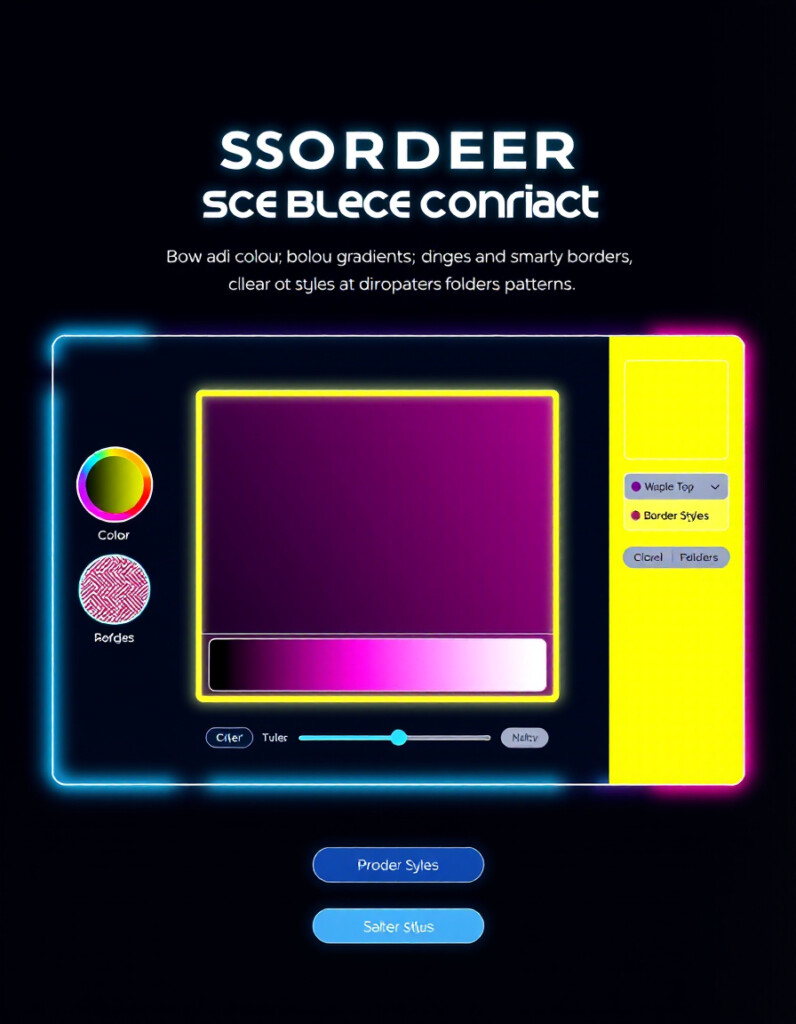
CSS Border And Border-Radius Generator
Designing borders in CSS can quickly become complicated—especially when you need different styles on each side, custom patterns, layered gradients, or precise shadows.
Pro Border Playground solves that by offering a highly visual, interactive way to build borders with full creative freedom.
This tool helps you create stunning UI elements, highlight components, or design unique card edges without writing a single line of code manually.
Pro Border Playground gives you:
You can configure:
Each side of the box can be styled independently.
Simply drag a color or pattern bubble onto the box side you want to modify.
This makes experimentation fast, visual, and fun.
The tool supports:
Every change updates the preview instantly—making the tool ideal for designers and frontend developers who want immediate feedback.
The built-in history system lets you safely experiment.
Easily go back or forward through any design steps.
The generated CSS code updates live.
You can copy your entire design instantly with the Copy CSS button.
No need to write CSS manually or test values blindly.
Drag, drop, adjust, and you’re done.
Create sophisticated border effects seen in modern UI designs.
Use the inputs to change:
Choose:
Drag a circle from the palette and drop it onto:
Each side updates instantly.
Use the dropdowns to select:
Click Copy CSS to paste directly into your project.
- Border width
- Border radius
- Border styles (per side)
- Individual colors
- Custom patterns
- No background
- Linear gradients (with angle)
- Radial gradients
- Full color selection
- UI/UX designers
- Frontend developers
- WordPress and Webflow builders
- Students learning CSS
- Anyone wanting creative borders or component styling
- Width
- Radius
- Box shadow
- Linear or radial gradient
- Colors
- Angle (for linear)
- Top
- Right
- Bottom
- Left
- Solid
- Dashed
- Dotted
- Double
- Groove
- Ridge
- Inset
- Outset


