Master Image Styling with the CSS Filter Playground: A Complete Guide
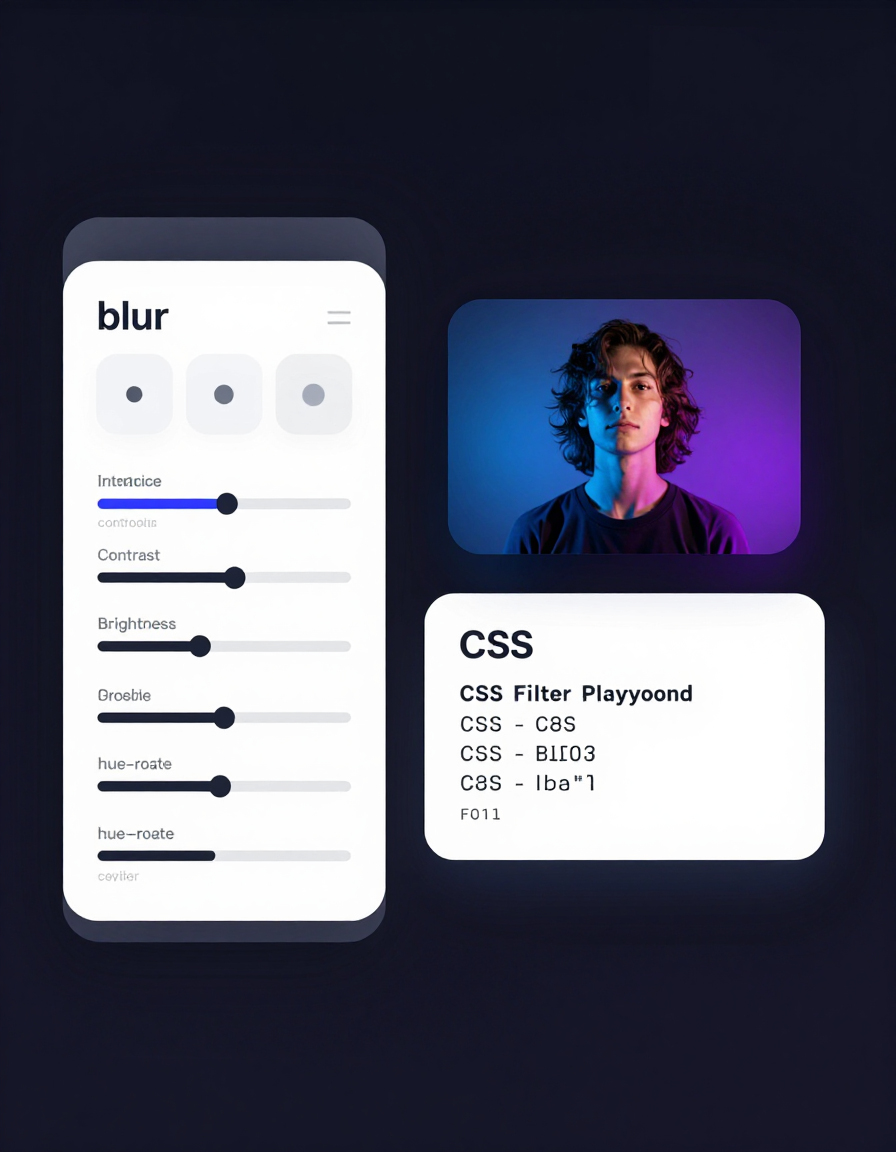
The CSS Filter Playground on RideWattly is a powerful, user-friendly tool that lets you edit and preview CSS filters on images in real-time. Whether you are a web designer, developer, or digital creator, this tool gives you full control over image appearance without manually coding filter values.
You can start by:
Step 1: Upload or Use an Image URL
- Uploading an image from your computer using the “Upload Image” button.
- Pasting an image URL directly into the input field and pressing Enter.
- Drag & Drop an image into the preview area for instant results.
This flexibility makes it easy to experiment with different images quickly and see the results live.
Step 2: Adjust Image Filters
The playground provides sliders for six key properties:
- Blur (px) – Adds a soft focus effect. Ideal for backgrounds or creating depth.
- Brightness – Adjusts image luminosity. Brighten dull images or tone down bright ones.
- Contrast – Enhances or softens color differences. Use it to make your images pop.
- Grayscale (%) – Converts the image to black and white, either partially or fully.
- Hue-Rotate (deg) – Changes the overall color tone for creative color shifts.
- Scale – Resizes the image dynamically, helping to test layout and composition.
As you move the sliders, the preview updates in real-time, so you can instantly see how each change affects the image.
Step 3: Copy or Export Your Work
Once you’re happy with your design:
- Copy CSS: The tool automatically generates ready-to-use CSS that includes
filterandtransformproperties, plus-webkit-filterfor cross-browser compatibility. - Apply as Background: Instantly generate CSS for a background image, including filter and scale effects.
- Download PNG: Export the filtered image as a PNG with all changes applied, perfect for web use or presentation purposes.
Step 4: Save and Load Presets
For frequent styles or complex filter combinations:
- Click Save Preset to store your settings locally in your browser.
- Use the Load Preset dropdown to quickly reapply your saved filters to any new image.
This feature ensures consistency across projects and makes repetitive work faster and easier.
Tips for Professional Use
- Subtle adjustments often work best – For example, slightly increasing brightness while reducing grayscale can enhance image aesthetics without overpowering your design.
- Combine filters creatively – Blur + brightness + hue rotation can produce unique visual effects.
- Test scale and composition – Use the scale slider to ensure images fit perfectly within your design layout.
- Preserve original images – Always keep an unedited copy for reference or further edits.
- Use background CSS for UI elements – This is especially useful for sections, cards, or hero banners that need dynamic visual styling.
Why You Should Use the CSS Filter Playground
- Instant visual feedback – See changes in real-time, eliminating guesswork.
- Time-saving – No need to write or test CSS manually.
- Cross-browser ready – All generated CSS includes
-webkit-filter. - Creative flexibility – Experiment with professional-looking filter combinations effortlessly.
- Free and accessible – Works directly in your browser, with no installations required.
Conclusion
The CSS Filter Playground is a must-have tool for anyone looking to elevate their web design or create visually striking images without coding each filter manually. With real-time preview, preset saving, CSS generation, and download functionality, it simplifies the entire workflow from experimentation to production-ready design.
Whether you are designing a website, creating content for social media, or preparing assets for a digital project, this tool lets you explore, experiment, and perfect your images like a professional.


